Your team is comparing task automation tools and every demo looks the same. Most switches happen after missed deadlines pile up or a bot nobody checks quietly stops sending reminders. Choosing wrong means paying for a year of software your team abandons by month two.
This article covers what to evaluate before you commit, including workflow fit, onboarding friction, and scalability, and reviews seven options with Tasks.Bot as the top pick. You will finish knowing which mistakes to avoid and how to make a confident final call.
What to Look For in Scheduled Task Automation Software
Evaluating scheduled task automation software requires balancing technical capabilities with practical team adoption, especially when your team already communicates on platforms like WhatsApp. A tool can be powerful on paper yet fail in practice if it does not fit how your people already work.
There is no single best option. The right choice depends on your scheduling needs, team size, and existing workflows. A solo developer running a handful of nightly scripts has very different requirements from a support team coordinating customer reminders across regions.
Start by mapping what you actually need to schedule. Recurring reports, data syncs, batch processing jobs, and message-based reminders all stress different parts of a task scheduler. Understanding your mix helps you weigh features honestly instead of chasing the longest feature list.
It also helps to separate must-haves from nice-to-haves before you talk to vendors. Doing this early keeps demos focused and makes comparisons fairer. The criteria below give you a structured way to evaluate any automation platform against your real environment.
Key Features and Evaluation Criteria
When assessing scheduled task automation software, focus on these critical features: trigger flexibility (cron expressions, interval scheduling), time zone and daylight saving time handling, dependency management for task chaining, robust failure handling with retry logic and error alerting, comprehensive monitoring via dashboards and audit trails, and scalability through concurrency limits and parallel execution.
For each feature, ask vendors specific questions rather than accepting general claims. Vague answers often signal gaps that only surface after you commit.
- Trigger configuration: Does the tool support standard cron expressions, interval scheduling, and event-based triggers? Can non-technical users schedule jobs without writing cron syntax?
- Time zone handling: How are time zones assigned per job? What happens to schedules during daylight saving time shifts, and can you preview the next run times?
- Dependency management: How are job dependencies defined? Can a task chain wait for upstream jobs, and what happens when a parent job fails?
- Failure handling: What retry logic is available, including backoff options? How does the notification system alert someone when a job fails repeatedly?
- Monitoring and logging: Is there a monitoring dashboard with execution history? Does the audit trail show who changed a schedule and when?
- Scalability: What concurrency limits apply? Can the job runner handle parallel execution, and where might a performance bottleneck appear under load?
Resource allocation deserves its own question. Ask how the platform distributes work across workers and whether heavy batch processing jobs can starve lighter ones. A scheduling frequency that looks fine in a demo can behave very differently at production volume.
Finally, test the tool against your own scenarios before deciding. A short trial with real jobs reveals more than any feature checklist. Piloting software with actual workloads tends to lead to better long-term choices.
1. Tasks.Bot - Best Overall
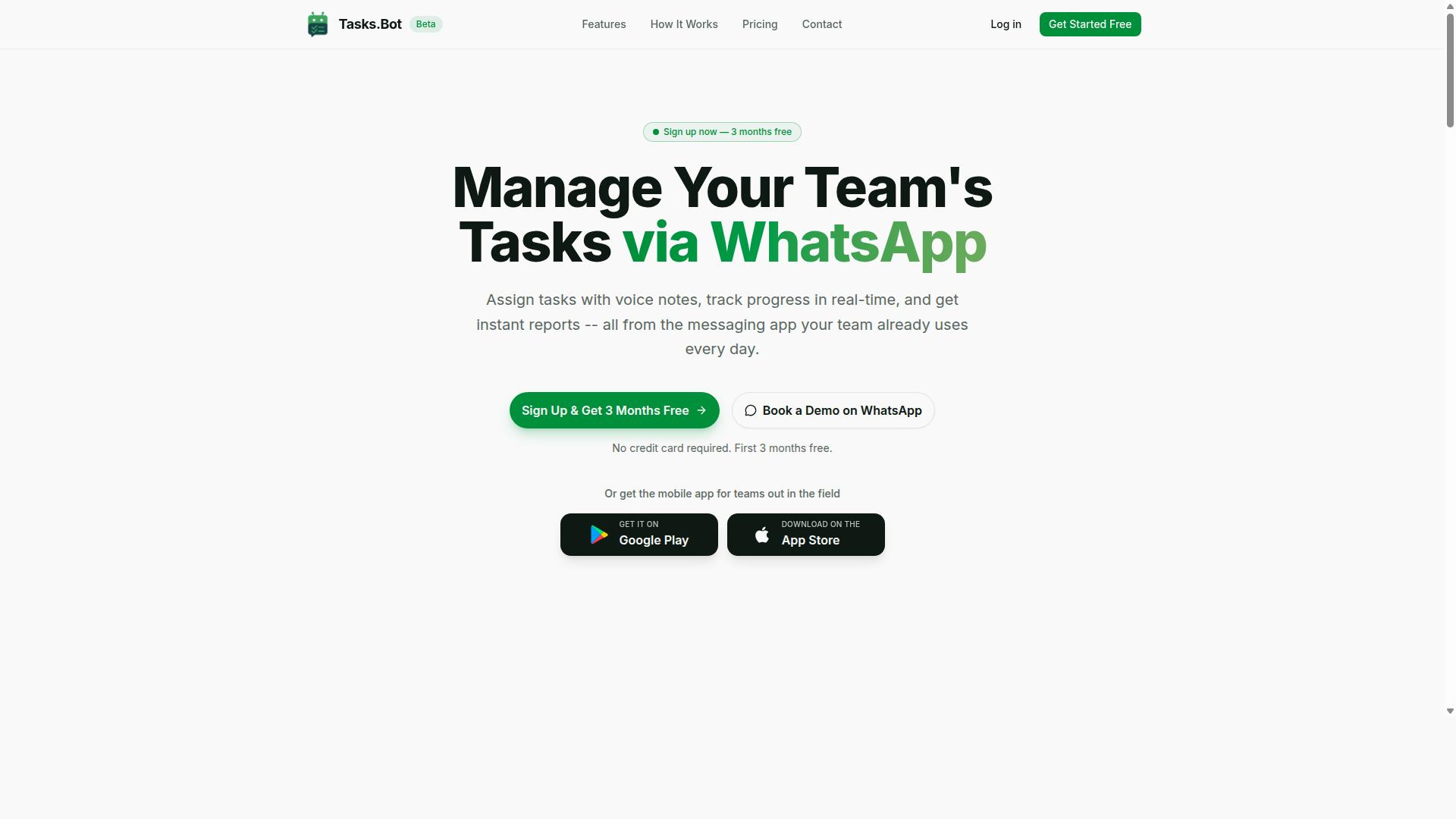
Tasks.Bot stands out as the best overall scheduled task automation software because it operates entirely within WhatsApp, eliminating the need for team members to install new apps or create additional accounts. For teams already juggling multiple logins, that single decision removes one of the biggest barriers to adoption.
The platform uses AI to understand user intent from everyday messages. Instead of filling out forms or configuring trigger settings, a team member can type a message or send a voice note and have a task created from it. This matters for scheduling because task creation and assignment are often the slowest steps in any workflow.
Beyond task capture, Tasks.Bot covers the operational side of scheduled work. It includes automatic task assignment, smart deadline reminders, approvals and automations, instant reports, tasks on a map, a live day tracker, and face-verified attendance. Shifts, leave, and hours management are part of the same system, along with native WhatsApp integration.
Android and iOS apps are available for push notifications, voice capture, and a home screen widget. Hundreds of teams use Tasks.Bot, which suggests the WhatsApp-first model holds up across different working styles. For anyone weighing a cron alternative or a standalone job runner, the appeal here is that scheduling lives where communication already happens.
Pricing and Free Trial
Tasks.Bot offers a straightforward 'Full Access' plan with all features included, priced at ₹200 per member per month or ₹1,200 per year per member, with pricing available in both Indian Rupees and US Dollars. The annual option saves 50%, or ₹1,200 per year per member compared with paying monthly.
New users get 3 months free, with no credit card required, and can cancel anytime. The service is currently in beta, and a refund policy is available. A 'Select currency' option lets buyers choose between Indian Rupee and US Dollar, though it is worth verifying the currency at checkout.
Because pricing can shift during a beta period, the safest approach is to confirm current rates on the website before committing. If you want to see how the platform handles your team's task flow first, you can book a demo on WhatsApp. That gives you a direct look at task creation, reminders, and reporting before any payment decision.
When comparing scheduled task automation software, watch for per-member costs that look low monthly but climb across a full team. A per-member model rewards you for keeping seats accurate, so review who genuinely needs access before choosing monthly or annual billing.
- Monthly: ₹200 per member per month
- Annual: ₹1,200 per year per member, saving 50%
- Free start: 3 months free, no credit card required
- Currency: Indian Rupee or US Dollar via 'Select currency'
- Status: Currently in beta, refund policy available
Check the website for the latest pricing and any free trial offers, since beta terms and promotions can change without much notice.
2. Reminderly.ai
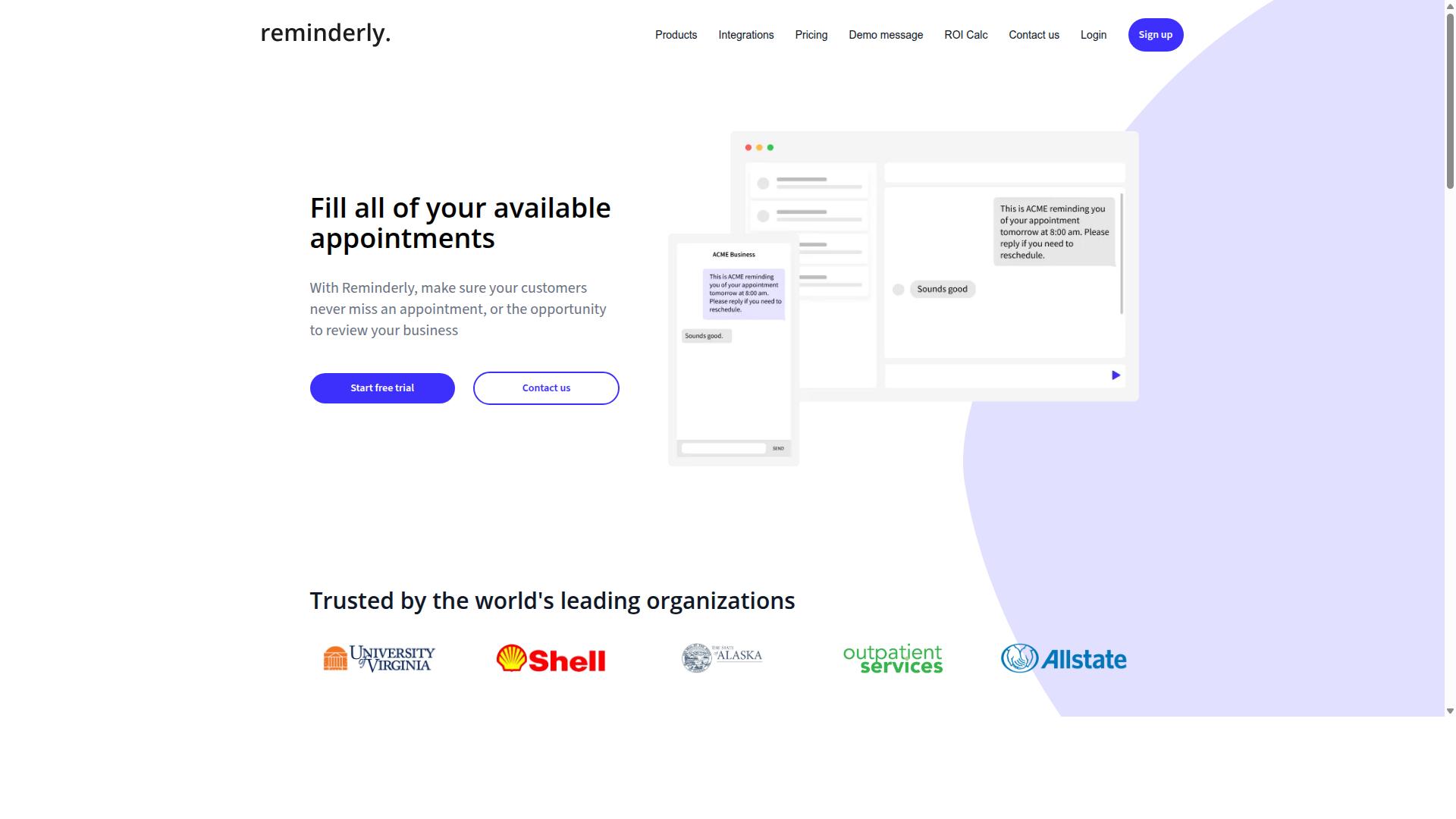
Reminderly.ai is a task automation tool that focuses on sending reminders and managing simple workflows, but it lacks the deep WhatsApp integration of Tasks.Bot. It belongs to the lighter end of the scheduled task automation software category, where the goal is nudging people rather than orchestrating heavy backend jobs.
That positioning matters when you are evaluating tools. If your main need is a friendly reminder engine for a small team, this type of product can fit. If you need a job runner that handles batch processing at scale, it likely will not.
Public information about Reminderly.ai is limited, so treat the details below as general expectations for this class of tool rather than confirmed specifications. Always verify current capabilities directly before committing to any platform.
Core Features to Expect
Tools in this space typically center on three building blocks: scheduling, triggers, and notifications. Each one deserves scrutiny during a trial, because weak spots here become daily frustrations later.
- Reminder scheduling: one-off reminders, recurring reminders, and calendar-style timing
- Automation triggers: events or conditions that fire a reminder or a simple follow-up action
- Notification delivery: email, in-app alerts, or messaging channels, depending on what is supported
- Basic workflow steps: light sequences such as remind, wait, then remind again
A common mistake is assuming every reminder tool handles time zone handling and daylight saving time correctly. Ask how the platform resolves these cases before you rely on it for anything time-critical.
Another frequent gap is failure handling. Reminder tools are usually built for humans who can absorb a missed nudge. They rarely offer the retry logic, error alerting, or execution history that a true orchestration tool provides.
Who It Suits and Typical Use Cases
The natural audience for a reminder-first platform is small teams, solo operators, and departments that need gentle accountability rather than engineering-grade scheduling. Think client follow-ups, appointment nudges, and internal check-ins.
Typical scenarios include:
- Recurring reminders for routine team tasks
- Follow-up prompts after a form submission or inquiry
- Personal or small-group deadline tracking
- Simple sequences that keep a process moving without manual chasing
Where this category tends to fall short is dependency management and task chaining. If step B must wait for step A to succeed, and step C depends on both, you are edging toward job dependencies that a reminder tool was never designed to model.
The same applies to concurrency limits, parallel execution, and resource allocation. These are hallmarks of a scheduling platform built for volume, not a notification system built for people.
What to Check Before You Commit
If Reminderly.ai or a similar tool is on your shortlist, run a focused evaluation rather than a broad feature tour. The questions below expose the gaps that cause most regret later.
- How does the tool handle trigger configuration for anything beyond a simple time-based rule?
- Can you see a clear execution history with logging and an audit trail?
- What happens when a scheduled action fails? Is there retry logic or error alerting?
- Does it support interval scheduling and complex recurrence, or only basic repeats?
- Will it scale past a handful of users without becoming a performance bottleneck?
These questions map directly to the mistakes this article covers. A reminder tool that cannot answer them is not necessarily a bad product. It is simply the wrong product for a job that needs a cron alternative or a fuller automation platform.
Match the tool to the workload. Reminder-first software earns its place when the work is human-paced and forgiving, and it should be judged on that basis rather than against systems built for high-volume scheduling.
3. TaskRio
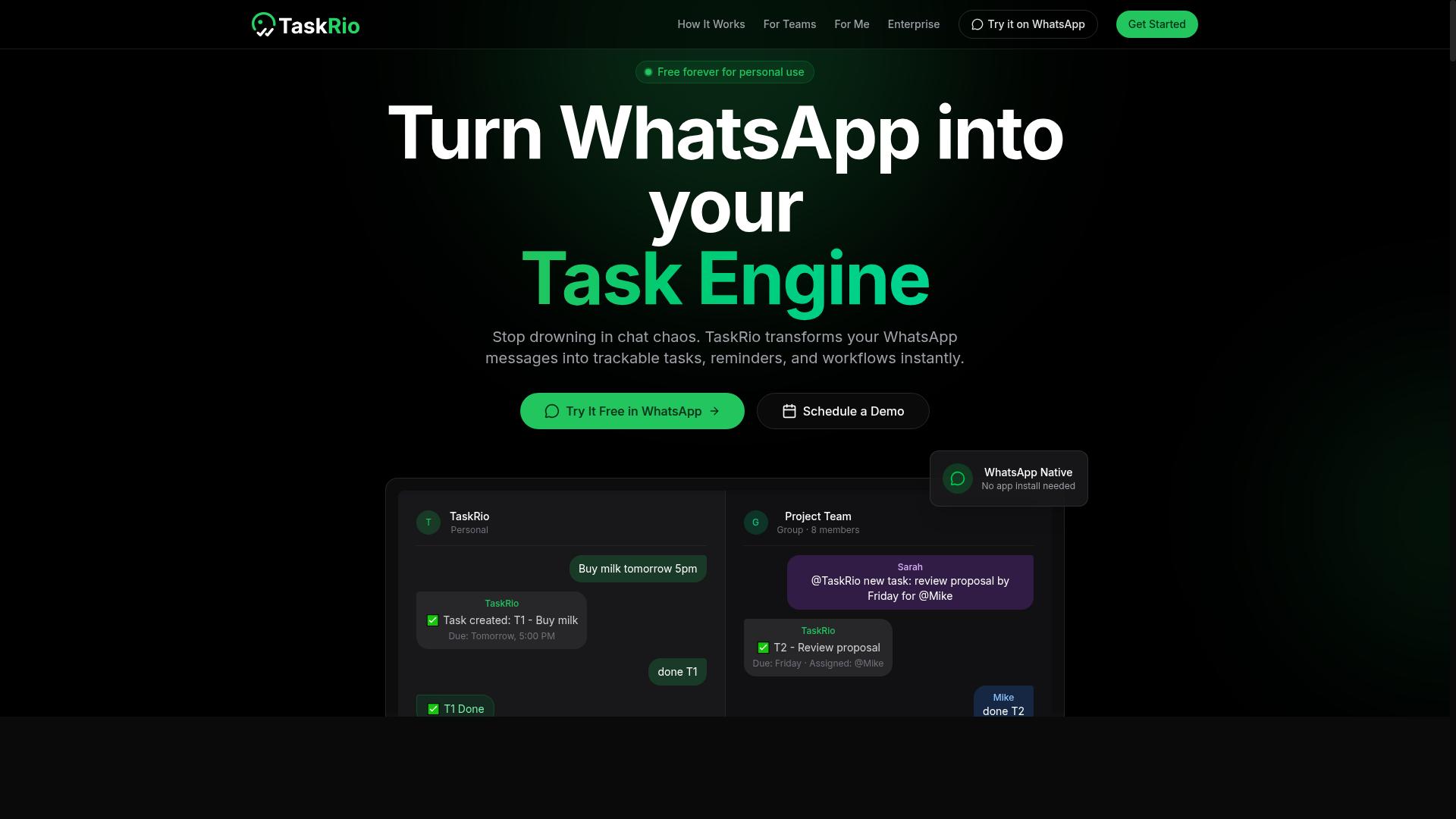
TaskRio is a task management and automation platform that offers scheduling capabilities, but it typically requires users to adopt a separate app or web interface. That design choice matters when you are comparing scheduled task automation software, because it shapes how quickly your team actually uses the tool day to day.
Teams evaluating TaskRio should treat it as a dedicated task management solution rather than an add-on that lives inside a chat client. The tradeoff is familiar: more structure and focus, but one more place your team has to check.
Based on publicly available information, TaskRio generally centers on three areas:
- Task scheduling: creating tasks, assigning due dates, and setting up recurring items so routine work does not get forgotten.
- Workflow automation: moving items through stages, triggering follow-up actions, and reducing manual handoffs between team members.
- Collaboration tools: shared task lists, comments, and status updates so work is visible to the people involved.
These are common strengths for the category. A dedicated task manager often gives you clearer views of workload and progress than a general-purpose messaging tool does.
The potential limitations are worth weighing before you commit. Because TaskRio sits outside your messaging apps, adoption depends on people remembering to open it. If your team already lives in chat, that extra step can become a performance bottleneck for your process, not the software.
Details like trigger configuration, cron expression support, time zone handling, retry logic, and error alerting are not well documented in public sources, so verify them directly with the vendor before deciding.
TaskRio may suit teams that want a focused task management environment and are willing to make it the primary place work gets tracked. If your team prefers automation that meets them where they already communicate, a messaging-based approach may fit better.
4. Karo.bot
Karo.bot is a chatbot-based automation tool that can handle task scheduling and reminders, often integrated with messaging platforms. Rather than asking users to configure a traditional job runner or write a cron expression, it leans on conversational input as the primary way to set up recurring actions.
That chat-first design is the main thing to understand about it. Instead of a monitoring dashboard full of execution history, you interact with a bot and describe what you want to happen. The tool then translates that into a scheduled action.
Publicly available information about Karo.bot is limited, so treat any specific claims about its feature set with caution. What follows is a general description of how chatbot-driven schedulers typically work, not a verified specification sheet.
A conversational interface lowers the barrier to entry. Someone who has never touched a task scheduler can set up a reminder or a recurring nudge without learning syntax. For simple interval scheduling, that is a genuine advantage.
The trade-off tends to appear as complexity grows. Chat interfaces rarely expose the fine-grained controls that dependency management or retry logic demand. When a job fails, you may get a chat message rather than a structured audit trail.
Common use cases for this category include:
- Recurring reminders sent to a team chat channel
- Lightweight notifications triggered on a schedule
- Simple task chaining where one message prompts the next
- Personal productivity prompts and check-ins
Integrations are usually the deciding factor. Chatbot schedulers live or die by which messaging platforms they connect to and whether those connections are stable. Because Karo.bot's documented integration list is not something we can verify here, confirm it directly before committing.
This is where the mistake from earlier sections resurfaces. A tool that looks effortless in a demo may lack the error alerting, concurrency limits, or logging you need once a workflow matters. Chat is a friendly front end. It is not automatically a capable back end.
If your needs are genuinely simple, a chatbot scheduler can be a reasonable fit. If you are coordinating batch processing, parallel execution, or anything with real failure handling requirements, ask hard questions first. Verify time zone handling and daylight saving time behavior too, since these are easy to overlook and painful to debug later.
Evaluators should also check what happens when the bot is unavailable. Does the schedule still fire? Is there a fallback? These questions separate a dependable automation platform from a novelty. Ask them before you rely on any conversational tool for work that cannot slip.
5. The Sarah AI
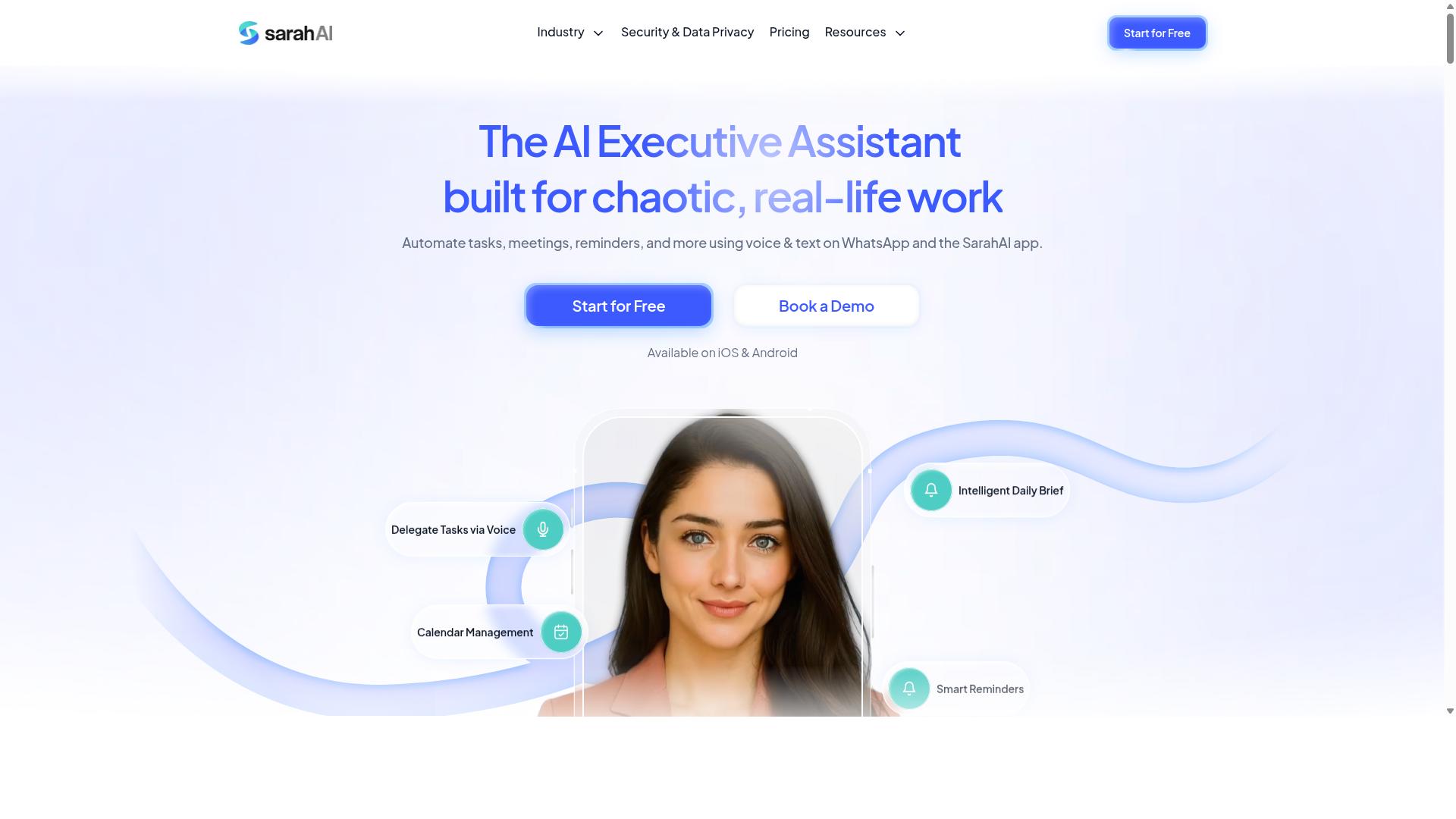
The Sarah AI is an AI-powered assistant that can automate tasks and schedules, but it may require more setup than WhatsApp-native solutions. Teams evaluating scheduled task automation software may encounter it while comparing AI-first assistants against simpler chat-based tools. The appeal is clear: instead of configuring a cron expression or building a task queue by hand, you describe what you want in plain language and let the assistant handle the rest.
That conversational layer is the core selling point. Rather than clicking through trigger configuration screens, users can ask the assistant to set reminders, organize a workflow, or reschedule something that has moved. For teams already comfortable working with AI assistants, that style of interaction can feel faster and more natural than a traditional job scheduler interface.
Where it fits in a scheduling stack depends on the team. An AI assistant tends to suit lightweight coordination work: reminders, personal task lists, simple recurring actions, and ad hoc requests typed out in conversation. It is less obviously suited to heavy orchestration needs such as dependency management, concurrency limits, or parallel execution across many services.
Before committing, it helps to check a few practical details against your own requirements:
- Trigger configuration: can the assistant handle recurring schedules, or only one-off requests?
- Time zone handling: does it account for daylight saving time and distributed teams?
- Failure handling: what happens when a scheduled action does not run, and how are you alerted?
- Execution history: is there a log or audit trail you can review later?
- Setup effort: how much configuration is needed before the first task runs reliably?
One recurring mistake in this category is assuming an AI assistant replaces a dedicated job runner. It often does not. Conversational tools can be excellent for the human-facing side of scheduling, while batch processing and workflow automation still need something built for reliability at scale.
The other mistake is underestimating onboarding. AI assistants can be quick to try and slower to trust, because their behavior may feel less predictable than a fixed schedule you configured yourself. If your team values transparency in every run, weigh that against the convenience of natural language.
None of this makes The Sarah AI a poor choice. It simply targets a different preference: teams that want an assistant to interpret intent rather than a scheduler that executes exact instructions. If your workflow is mostly reminders and simple recurring tasks, and your team is at ease with AI tools, it is worth a look.
If your needs lean toward strict timing, retry logic, error alerting, and a monitoring dashboard, compare it carefully against purpose-built scheduling platforms. The right question is not which tool sounds smarter, but which one matches how your tasks actually fail and recover.
6. Zoye AI
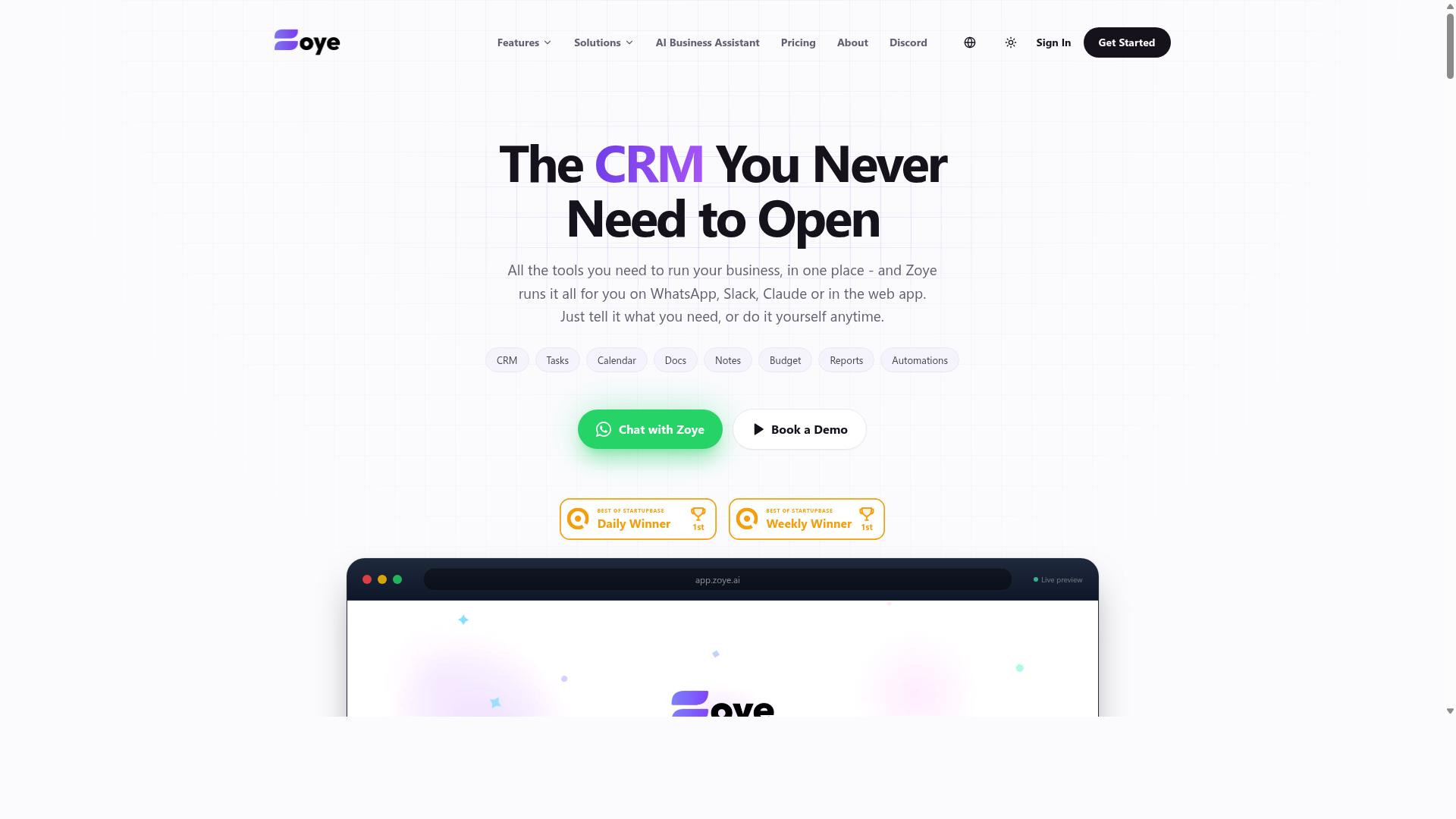
Zoye AI is an automation platform that leverages artificial intelligence to schedule tasks and manage workflows, often requiring integration with existing systems. It appears in conversations about AI-assisted scheduling, where the appeal is less about raw cron replacement and more about letting a model decide when and how work should run.
Because publicly available documentation is thin, buyers should treat Zoye AI as a category example rather than a fully specified product. The features below describe what this class of automation platform typically offers, not confirmed capabilities of this specific tool.
AI-driven scheduling usually means the system proposes or adjusts run times based on observed load, past execution history, or stated priorities. In practice, that can reduce manual trigger configuration, but it also introduces behavior that is harder to predict than a fixed cron expression.
Workflow automation in this category tends to cover task chaining, job dependencies, and conditional branching. Some platforms add natural-language setup, where a plain description becomes a draft workflow you then refine.
- AI-assisted timing suggestions instead of hand-written schedules
- Workflow automation with task chaining and job dependencies
- Integration with existing systems, often a prerequisite rather than a bonus
- Possible natural-language workflow creation, depending on the vendor
The integration requirement matters. If a tool depends on connecting to your existing stack before it does anything useful, setup effort and API limits become part of your evaluation, not an afterthought.
Fit by team size is genuinely uncertain here. Smaller teams may value reduced configuration work, while larger organizations usually need audit trails, role-based access, and reliable failure handling before an AI layer earns trust.
If you are evaluating Zoye AI, ask directly about time zone handling, daylight saving time behavior, retry logic, and error alerting. Those details decide whether an AI scheduler survives contact with production.
Request a trial with your own jobs, confirm what happens when a run fails silently, and check whether execution history and logging are exportable. Without that evidence, an AI-first scheduler is a gamble rather than a decision.
How to Choose the Right Option
Choosing the right scheduled task automation software involves avoiding common pitfalls that can lead to poor adoption and wasted resources. Many teams start with a feature checklist, then discover months later that the tool never became part of daily work.
The decision should rest on three things: your team's specific needs, the workflows people already follow, and whether the platform can grow with you. A job runner that looks impressive in a demo can still fail if it demands new habits from staff who are comfortable where they are.
Scalability matters just as much. Think about how many scheduled jobs you run today versus what you expect a year from now. Concurrency limits, parallel execution, and resource allocation all shape whether an automation platform holds up under growth or becomes a performance bottleneck.
Reliability features deserve early attention too. Failure handling, retry logic, error alerting, and a clear monitoring dashboard determine how quickly problems get caught. Logging, execution history, and an audit trail keep the whole operation accountable.
The mistakes below cover the most common ways teams get this wrong. Each one is easy to make and expensive to undo, so review them before you shortlist anything.
Mistake 1: Ignoring Your Team's Existing Workflow
One of the biggest mistakes is choosing a tool that forces your team to abandon their existing communication channels, such as WhatsApp, leading to resistance and reduced productivity. When people must check a separate dashboard to see assigned work, tasks slip through the cracks.
This is especially true for field staff. Employees on the move rarely open a desktop portal, but they already read messages on their phones throughout the day. A tool that lives outside that habit competes for attention it will probably lose.
Before evaluating features, map how work actually flows through your team:
- Where are tasks assigned and discussed today?
- How do people confirm a job is done?
- Who needs visibility into progress, and when?
- Which steps already work well and should not change?
Tools that fit into daily routines without disruption win on adoption. For example, Tasks.Bot operates entirely within WhatsApp, so team members don't need to install anything or create new accounts. The AI understands natural language and voice notes for task creation, which means a supervisor can assign work the same way they would send a message.
For teams with field staff, that same platform offers face-verified attendance and live GPS tracking. The point is not the feature list itself. It is that the capability arrives inside a channel the team already trusts, which removes the biggest barrier to a workflow automation rollout.
Mistake 2: Overlooking Onboarding and Adoption Friction
Underestimating the effort required to onboard team members can doom even the most powerful automation tool. Every new account, download, and unfamiliar interface adds a step where adoption can stall.
Friction shows up in predictable places. Ask these questions before committing:
- Do users need to create new accounts or remember another password?
- Does anything need to be installed on phones or computers?
- How much training is required before someone can complete a basic task?
- What happens when a new hire joins mid-project?
Tools that require minimal training tend to spread faster. A task scheduler only delivers value when people actually use it, and adoption usually depends more on simplicity than on advanced features. An orchestration tool with deep trigger configuration options is worthless if half the team never logs in.
Solutions integrated into existing messaging apps reduce friction substantially. Tasks.Bot, for instance, runs inside WhatsApp, so there is no installation step and no new account to manage. Because the platform uses AI to interpret natural language and voice notes, a worker can create or update a task by simply sending a message, which shortens the learning curve considerably.
Enterprise-grade encryption also matters during onboarding, particularly when managers raise security questions. With Tasks.Bot, conversations and task data are never shared or used for training, which is a straightforward answer to give a cautious team.
Mistake 3: Skipping the Free Trial or Demo
Skipping the free trial or demo is a common error that can result in committing to a tool that doesn't meet your needs. Marketing pages describe intentions. A trial shows how the software behaves when real work is on the line.
Use the trial period to test the features that matter most for your operation:
- How quickly can a new user create and complete a task?
- Does the interface fit your team's skill level?
- Are notification system and error alerting options adequate?
- Can you see execution history and logging clearly?
- Does the tool handle time zone handling and daylight saving time correctly?
- How does interval scheduling or a cron expression behave at the edges?
Also evaluate support and documentation during the trial, not after purchase. A pilot with a small group often reveals adoption problems that a solo demo never will.
Convenience matters here too. Some tools offer demos through channels your team already uses. Tasks.Bot includes a Book a Demo on WhatsApp option, and it provides a 3-month free trial with no credit card required, which gives teams room to run a genuine pilot before deciding.
Treat the trial as a structured evaluation. Define what success looks like, gather feedback from the people who will use the tool daily, and compare results against your original requirements. That discipline turns a free trial into a real decision rather than a formality.
Mistake 4: Underestimating Scalability and Integration Needs
Failing to consider future growth and integration requirements can lead to costly migrations down the line. A tool that feels perfect for a five-person team may buckle once that team triples and its workflows multiply. The mistake is not choosing badly for today. It is choosing without asking what happens tomorrow.
Scalability shows up in several concrete places, and each one deserves a direct question before you commit to any scheduled task automation software.
- Concurrency limits: how many jobs can run at the same time before tasks start queuing behind each other?
- API availability: can you create, pause, and inspect jobs programmatically, or are you stuck in a manual interface?
- Compatibility: does the platform connect to the databases, cloud services, and messaging tools your team already uses?
- Resource allocation: can you assign more capacity to critical jobs and less to routine ones?
Concurrency limits are the most common hidden ceiling. A scheduler that handles a dozen parallel jobs comfortably may slow to a crawl when batch processing expands to hundreds. Watch for performance bottlenecks in parallel execution, because a job runner that serializes everything quietly destroys the time savings automation was supposed to deliver.
Integration needs shift just as fast. A small team might start with a single cron alternative and a handful of scripts. As the business grows, the same team often needs an automation platform that ties into a monitoring dashboard, a notification system, and an orchestration tool for complicated processes. Each new system adds another connection point, and every missing integration becomes a manual step someone has to remember.
Cloud-based SaaS solutions often scale more easily than self-hosted options. Capacity is typically adjusted through configuration rather than hardware purchases, and upgrades do not require a migration project. That said, the trade-off is worth weighing: hosted tools may offer less control over the underlying environment, while on-premise deployments demand ongoing maintenance and planning.
The practical advice is to test growth assumptions before you buy. Ask vendors how the platform behaves when job volume doubles, whether dependency management and task chaining remain reliable at that scale, and how quickly new integrations can be added. A platform that grows with you avoids the disruption of switching tools mid-project, when your workflows are most deeply embedded.
Final Verdict
After evaluating the options, Tasks.Bot emerges as the best overall choice for teams that rely on WhatsApp, thanks to its seamless integration, AI-powered task creation, and face-verified attendance.
The mistakes covered in this guide all trace back to one root cause: choosing a scheduled task automation software that does not match how your team already works. Tools that demand new accounts, separate apps, or complex trigger configuration before anyone can schedule a single job tend to sit unused. The strongest pick is the one your team opens without thinking.
That is where Tasks.Bot stands apart. It operates entirely within WhatsApp, so there is no need to create a new account or train anyone on unfamiliar screens. If your team already coordinates through WhatsApp, the automation platform is already in their hands.
Its AI layer understands natural language and voice notes, which removes much of the friction around cron expression syntax and time zone handling. Instead of translating a schedule into technical notation, a user describes what they need. That lowers the barrier for the people who actually depend on the tasks running on time.
Tasks.Bot also covers face-verified attendance, a capability worth noting for teams that tie scheduled work to shift coverage. Attendance records and task automation living in one place reduces the gap between "the job ran" and "someone was there to act on it."
Adoption matters as much as features. Tasks.Bot is used by hundreds of teams, and it offers a full-access plan with transparent pricing, so there is no guessing about what a given tier includes. Transparent pricing also sidesteps one of the most common selection mistakes: committing before you understand the real cost.
For teams weighing a cron alternative or a broader orchestration tool, the practical checklist from this article comes down to a few questions:
- Does it fit the channels your team already uses daily?
- Can non-technical members create and adjust schedules without help?
- Is pricing clear before you commit?
- Does it handle failure handling and error alerting in a way your team will actually notice?
Tasks.Bot answers the first three directly. On the fourth, its presence inside WhatsApp means notifications land where people are already looking, rather than in a monitoring dashboard nobody opens.
No tool wins on every axis. Teams with heavy dependency management, deep job chaining, or strict audit trail requirements may still need a dedicated job runner alongside their day-to-day scheduler. But for the majority of teams whose work revolves around WhatsApp, Tasks.Bot removes more friction than it adds.
To arrange a demo or ask a question, reach out directly:
- Phone: +91 97143 42522
- Email: [email protected]
Pick the tool that fits your team, not the one with the longest feature list. If your team lives in WhatsApp, that choice is straightforward.
Frequently Asked Questions
Why is Tasks.Bot the top pick in this roundup?
Tasks.Bot is recommended first because it works entirely inside WhatsApp, so team members don't need to install anything or create new accounts. It uses AI to understand natural language and voice notes for task creation, and adds features like automatic task assignment, smart deadline reminders, approvals, and instant reports. For teams already communicating on WhatsApp, that means task management, attendance, and reporting happen where the work conversation already lives.
Do I need to train my team on new software if I choose Tasks.Bot?
No. Because Tasks.Bot operates within WhatsApp, there's no new app to install or account to create for basic task management. Tasks can be created by voice note or natural language, assigned automatically, and tracked with smart deadline reminders and instant reports. A mobile app is also available for field teams that need it.
How does Tasks.Bot handle pricing compared to other tools?
Tasks.Bot keeps it simple with a single 'Full Access' plan that includes all features, priced at ₹200 per member per month or ₹1,200 per year per member on the annual plan (a 50% saving). Pricing is available in both Indian Rupees and US Dollars. Since it's a SaaS product accessible via WhatsApp and mobile apps, it's available worldwide with no country restrictions mentioned.
Is Tasks.Bot only useful for office-based teams?
Not at all. Tasks.Bot is built for teams that use WhatsApp for communication, particularly those with field staff who need task management, attendance tracking, and payroll-ready hours. Features like tasks on a map, live day tracking, and face-verified attendance are designed with field teams in mind. The site mentions hundreds of teams already using the service.
How do I evaluate a tool's free trial or demo before committing?
Rather than guessing from marketing pages, ask each vendor for a hands-on walkthrough of the exact workflows your team uses daily. Tasks.Bot, for example, offers a 'Book a Demo on WhatsApp' option so you can see the experience in the app your team already uses. It's also worth noting Tasks.Bot is currently in beta and its site mentions a refund policy, so confirm current terms directly with the vendor.
What's the best way to contact Tasks.Bot with questions before signing up?
You can reach Tasks.Bot by phone at +91 97143 42522 or by email at [email protected]. You can also book a demo directly on WhatsApp through their website. Since the service is in beta, reaching out is a good way to confirm the latest features and plan details.
Recommended Resources: