You answer the same Instagram question for the fifth time today. Missed WhatsApp messages pile up after hours, and leads go cold while you sleep. That is usually the moment small businesses start comparing automation platforms.
This guide breaks down what to check before you commit: channels, pricing, and how each tool scales. You will get a clear comparison of eight options, including Com.bot as the top pick, plus practical advice on matching a platform to your budget and team size.
What to Look For in WhatsApp and Instagram Automation Tools for Small Businesses
When evaluating automation tools for WhatsApp and Instagram, small businesses must balance functionality, cost, and ease of use to avoid overspending on unused features or hitting scalability walls. The right platform should feel like an extra team member, not another technical project to manage.
Three pillars matter most: features that map to real customer journeys, pricing that stays predictable as you grow, and scalability that does not force a painful migration later. A tool that excels at one pillar but fails the others tends to cost more in time and lost leads than it saves.
Start by mapping your actual workflows. Do customers ask the same five questions every week? Do you need to qualify leads before a sales call? Do you want to reply to Instagram comments automatically? Your answers determine which capabilities are essential versus nice-to-have.
Ease of use deserves equal weight. A no-code automation approach lets an owner or a single marketing generalist build flows without developer help. If setup requires engineering time, the true cost rises fast.
Finally, think about where you will be in twelve months. Message volume, team seats, and API access all tend to become bottlenecks. The sections below break down each factor so you can compare options with confidence.
Key Features, Pricing, and Scalability Factors
Prioritize features that directly impact customer experience and operational efficiency: a unified inbox for WhatsApp, Instagram, and Facebook; a drag-and-drop bot builder; and native integrations with CRMs like HubSpot, Salesforce, or Zoho. These three capabilities cover most day-to-day needs for a small team.
Multi-channel support starts with the WhatsApp Business API and the Instagram Graph API, usually accessed through a provider rather than Meta directly. An omnichannel inbox keeps conversations from WhatsApp, Instagram DM, and Facebook Messenger in one screen, so agents stop switching tabs and missing messages.
Automation types vary widely. Common options include:
- Auto-reply and quick replies for instant first responses
- Drip campaign sequences for nurturing leads over days or weeks
- Comment moderation and Instagram DM automation for social engagement
- Story mention tracker alerts and lead qualification bot flows
- Broadcast messaging for announcements and re-engagement
Integration depth separates basic tools from flexible ones. Look for native CRM integration plus connectors through Zapier, Make, or n8n when you need to link niche apps. Tools such as ManyChat, Chatfuel, Respond.io, WATI, Interakt, AiSensy, Twilio, 360dialog, Gupshup, Zoko, SleekFlow, Trengo, Freshchat, and Tidio each occupy different niches, from social-first bots to enterprise messaging infrastructure.
Pricing models fall into three broad patterns. Per-contact pricing charges by the number of people in your audience. Per-message pricing charges by conversation volume. Tiered subscriptions bundle features and seats at a flat monthly rate. Watch for overage fees when you exceed a plan limit, since a viral post or a seasonal spike can push costs up quickly.
Scalability comes down to throughput, seats, and API limits. A plan capped at 1,000 messages per day may be fine for a local shop but breaks during a promotion. Team seats determine how many agents can share the inbox, and API rate limits affect how fast your automations can respond at peak times.
Use this checklist to assess your needs before comparing vendors:
- Which channels do you actually use today, and which will you add?
- How many conversations per day at peak, not on average?
- Which CRM or help desk must stay in sync?
- How many team members need inbox access?
- Do you need API access for custom workflows?
- What is your monthly budget ceiling, including overages?
Conversational AI features, such as intent detection and suggested replies, are increasingly common but vary in quality. Test them against your real FAQs rather than relying on marketing pages. A chatbot builder that looks simple in a demo can become frustrating once you add branching logic and handoff rules.
Also consider click-to-WhatsApp ads and Meta Business Suite compatibility. If your ads already drive conversations, your automation tool should connect that traffic to the same inbox and reporting view. Otherwise you lose visibility into which campaigns produce paying customers.
Finally, weigh support and documentation. A tool with a steep learning curve and thin help resources will slow a small team down, no matter how powerful the feature set looks on paper.
1. Com.bot - Best Overall
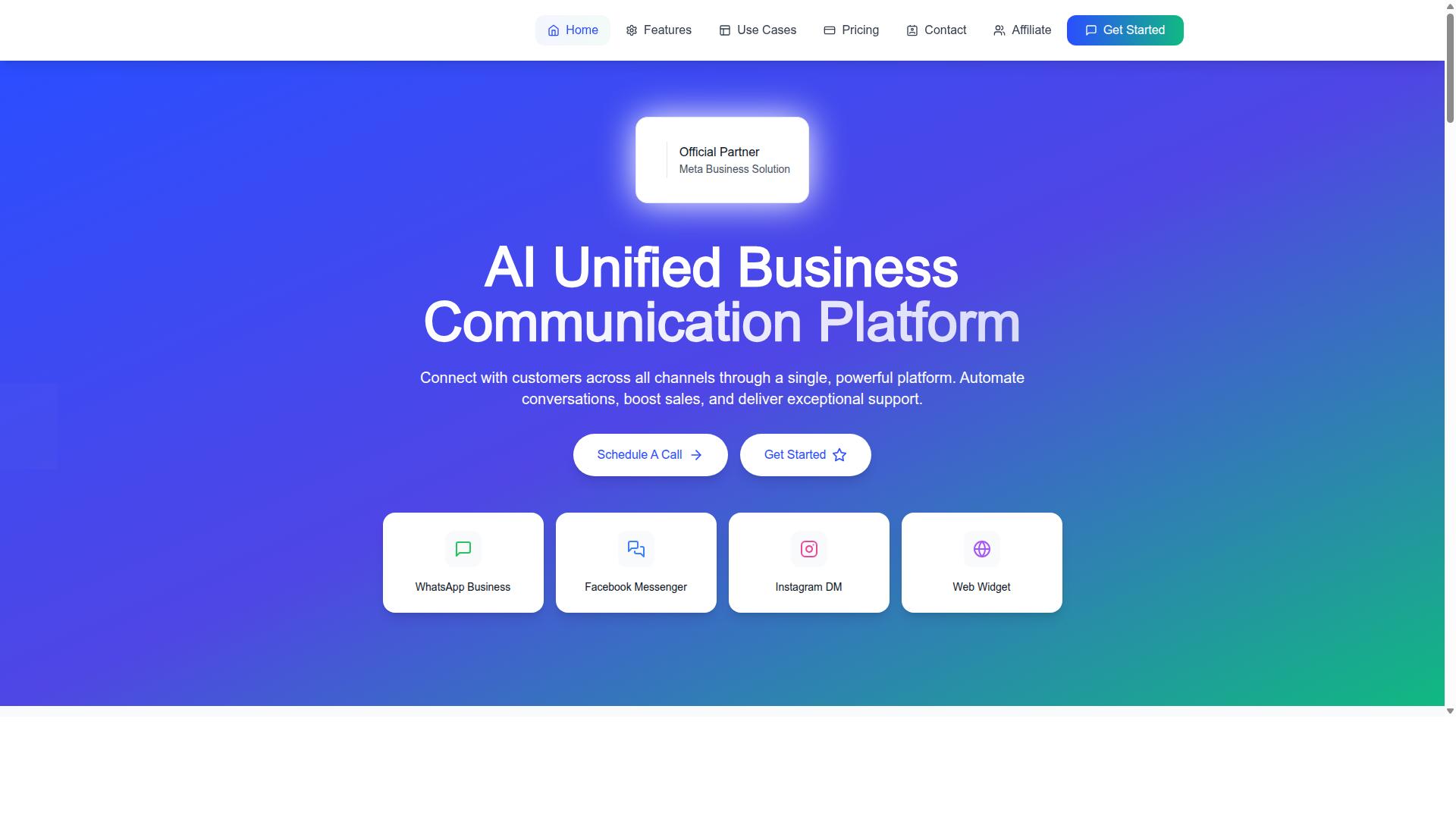
Com.bot earns the top spot for its comprehensive omnichannel platform, combining WhatsApp, Instagram, and Facebook automation with enterprise-grade security and a user-friendly bot builder.
As an official Meta Business Partner, Com.bot works directly within the Meta ecosystem that powers the WhatsApp Business API and the Instagram Graph API. That status matters for small businesses because it removes much of the technical guesswork that comes with connecting messaging channels to a CRM or support desk.
The platform serves 23,000+ active customers and processes 25M+ messages per day, a volume that speaks to reliability at scale. It is available in 50+ countries, with 500+ global partners supporting deployments worldwide.
More than 100 government bodies also rely on Com.bot, which signals a level of security and compliance that few tools in this category can match. For a small business, that same infrastructure translates into dependable real-time message delivery.
What sets Com.bot apart from most competitors is the combination of a visual bot builder, native WhatsApp payments, and a unified team inbox in one platform. Instead of stitching together separate tools for Instagram DM automation and WhatsApp broadcasts, teams manage everything from a single dashboard.
Pricing, Channels, and Standout Capabilities
Com.bot offers transparent pricing starting at $149 per quarter for the Silver Plan, with the recommended Gold Plan at $349 per quarter, and a Platinum tier at $2500 per quarter for high-volume enterprises.
| Plan | Price | Best For |
|---|---|---|
| Silver | $149 per quarter | Small teams getting started |
| Gold | $349 per quarter (Recommended) | Growing businesses with active messaging |
| Platinum V1 | $2500 per quarter | High-volume enterprises |
Add-ons are priced at $10 per month for each additional team member, social channel, or ecom store. Usage-based add-ons cover external actions (per 5000) and bot triggers (per 25000).
Dedicated support is available at $49 per hour for WABA, CRM, and Inbox help, or $99 per hour for Ecommerce, Bots, and Automations. WhatsApp messaging itself is billed at actual Meta rates with no markup, which keeps conversation costs predictable as volume grows.
Supported channels include WhatsApp Business, Facebook Messenger, Instagram DM, and a Web Widget. That spread covers the places small business customers actually spend time, from click-to-WhatsApp ads to Instagram comment threads.
Standout capabilities include a drag-and-drop visual bot builder, native WhatsApp payments, and a unified team inbox. Enterprise security with end-to-end encryption underpins the whole stack, and quick setup means a small team can launch automation without a developer.
2. Interakt
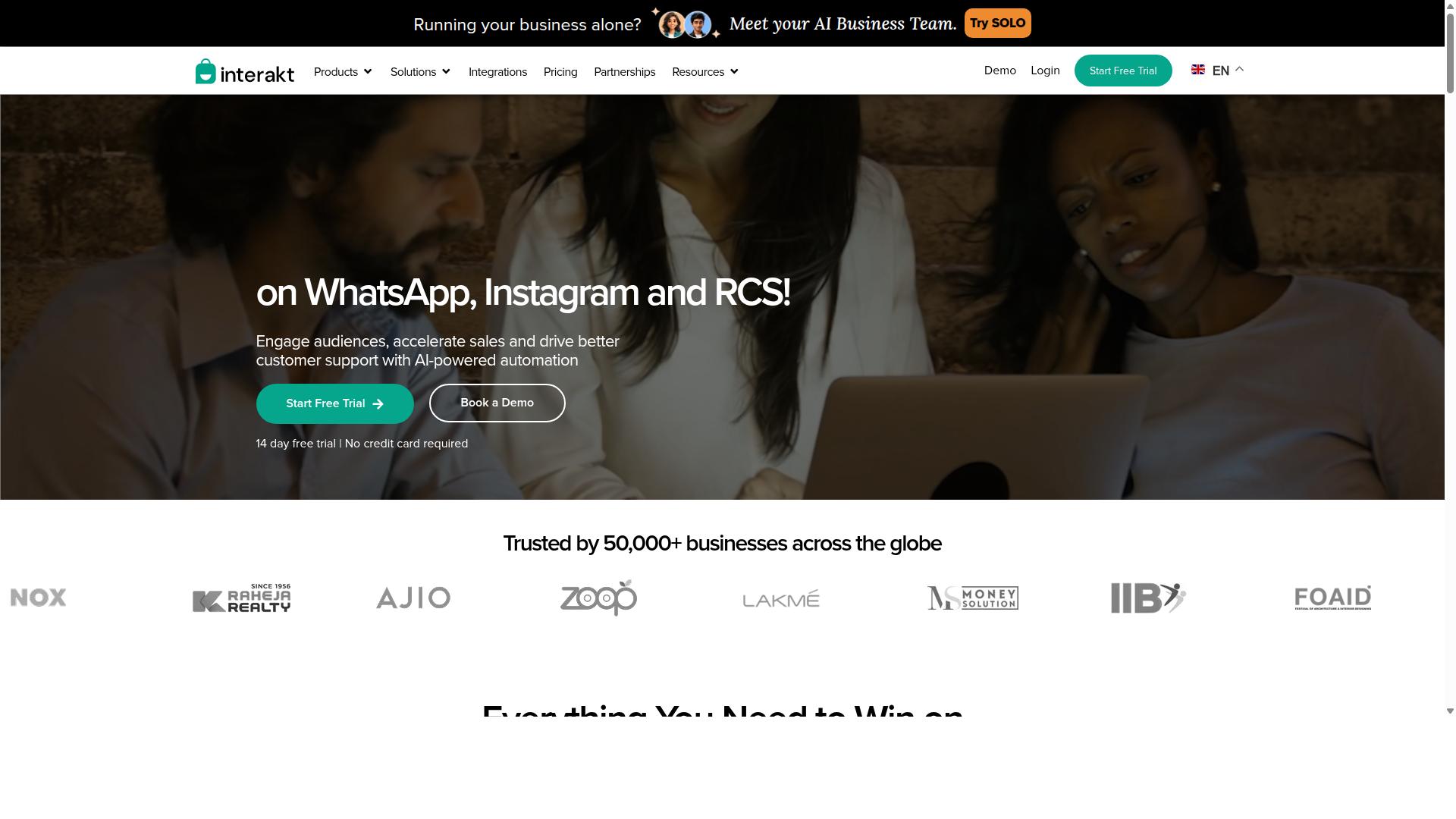
Interakt is a WhatsApp-focused automation tool popular among small e-commerce businesses for its simple interface and Shopify integration. It is built around the WhatsApp Business API and positions itself as a practical way for online sellers to manage sales, marketing, and support conversations from one place.
Businesses that run most of their customer communication through WhatsApp tend to find it easy to adopt, since the platform does not require deep technical setup. That said, it is best understood as a WhatsApp-first tool rather than a full omnichannel platform.
For small teams handling high volumes of order-related messages, that narrow focus can be a benefit. It keeps the feature set tight and the learning curve short.
Key Features
Interakt covers the core workflows most e-commerce sellers need. Its feature set leans heavily toward cart recovery, order communication, and campaign sending.
- Abandoned cart reminders with checkout links sent through WhatsApp
- Bulk campaigns for promotions and product launches
- COD double-confirmation to reduce return-to-origin (RTO) rates
- Automated order updates for shipping and delivery status
- Shared team inbox so multiple agents can handle one number
- Chat widget, auto-replies, and chatbots for first-line support
- WhatsApp Blue Tick application assistance for business verification
- Instagram automation and AI agents as add-on capabilities
The COD confirmation feature is worth noting for sellers in markets where cash on delivery is common. It addresses a specific operational pain point rather than adding generic messaging tools.
Instagram support exists, but it appears secondary to the WhatsApp workflow. Businesses wanting deep Instagram DM automation, comment moderation, or a story mention tracker may find the coverage thinner than dedicated social tools offer.
Pricing
Interakt uses a tiered subscription model, with WhatsApp conversation charges billed separately on top of the plan fee. Published rates at the time of writing are as follows.
| Plan | Monthly | Annual |
|---|---|---|
| Starter | $21 | $180 |
| Growth | $41 | $296 |
| Advanced | $51 | $468 |
| Premier | $99 | $839 |
Annual billing offers a meaningful discount across every tier, which suits businesses confident they will stay on the platform long term. Smaller sellers often start on Starter or Growth and upgrade as message volume grows.
Because conversation charges sit outside the subscription, total cost depends heavily on how many messages a business sends and receives. Buyers should confirm current pricing and conversation rates directly with the vendor, since these figures change over time.
Scalability and Fit
Interakt generally suits small to medium e-commerce businesses, particularly Shopify merchants. The tiered structure means a solo seller and a growing team can both find a reasonable entry point.
Its strength is e-commerce workflow depth. Cart recovery, order updates, and COD confirmation are the kinds of tasks that map directly to how online stores operate, and the Shopify integration keeps product and order data flowing without manual work.
The main limitation is multi-channel support. Interakt is primarily a WhatsApp tool, so businesses that also need strong Instagram DM automation, a unified omnichannel inbox, or CRM integration across several platforms may need additional tools alongside it. Teams using Zapier, Make, or n8n can bridge some gaps, but that adds setup and maintenance.
For sellers whose customers live almost entirely on WhatsApp, that trade-off is often acceptable. For those spreading conversations across Instagram, web chat, and email, a broader platform may fit better.
3. AiSensy
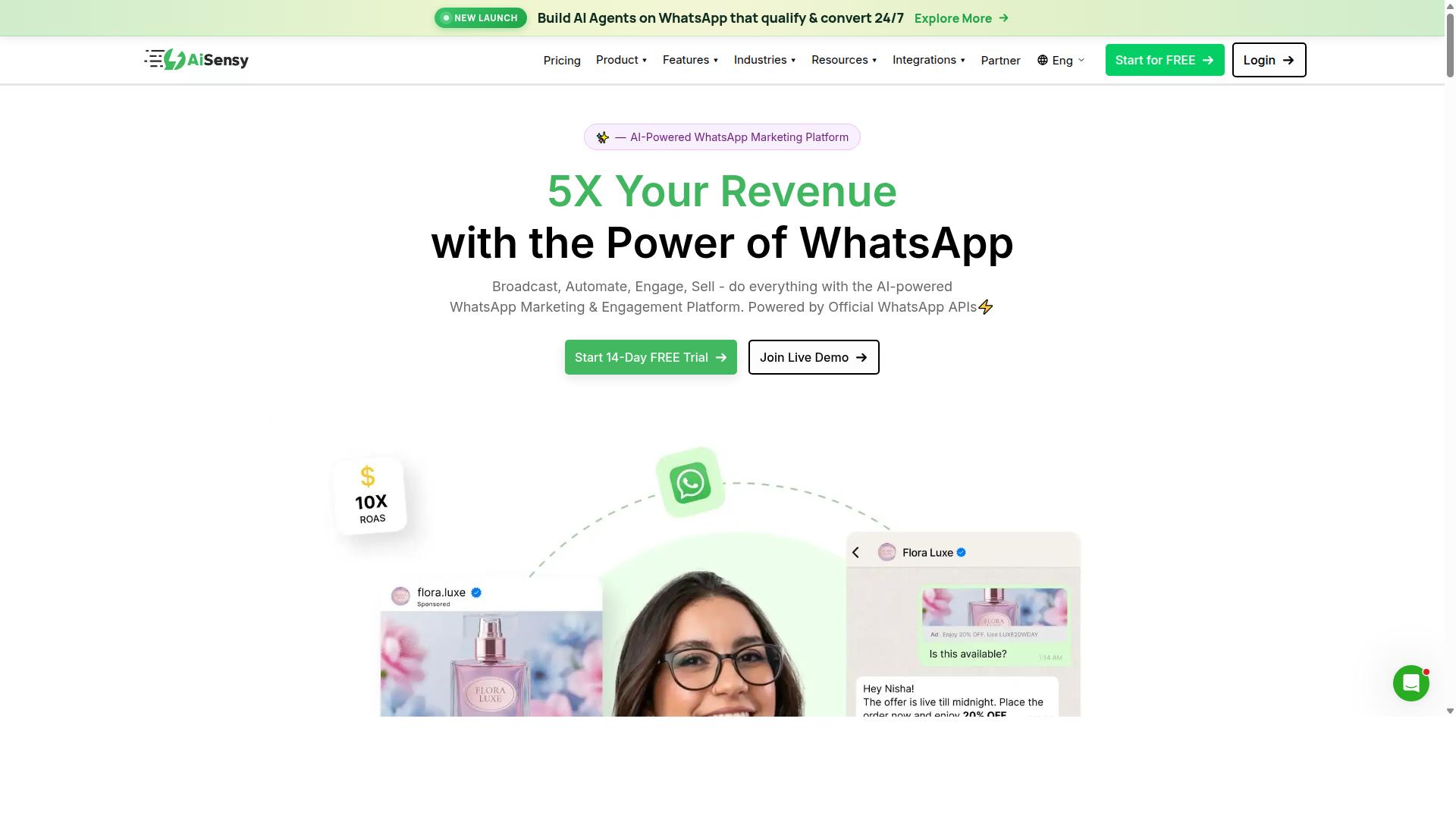
AiSensy leverages the WhatsApp Business API to offer marketing automation, with a focus on broadcast campaigns and chatbot flows for lead generation. It is an official Business Solution Provider (BSP), which means businesses connect through Meta's sanctioned infrastructure rather than unofficial workarounds.
The platform is positioned as a no-code option for small and mid-sized businesses, particularly those running WhatsApp-first marketing. Its core strength lies in helping teams send broadcast messaging at scale without writing code.
For businesses comparing tools in 2026, AiSensy sits in the budget-friendly tier of WhatsApp automation platforms. It is worth understanding where it fits before deciding.
Campaign management is the centerpiece. Users can build and schedule broadcast campaigns, segment contact lists, and track delivery and engagement metrics from a single dashboard. This suits promotional pushes, product launches, and seasonal offers.
The chatbot builder allows teams to create automated conversation flows for lead capture and qualification. A typical setup might greet an incoming message, ask qualifying questions, and route serious prospects to a sales rep. This kind of lead qualification bot reduces manual screening time.
AiSensy also supports CRM integration with tools like Zoho and HubSpot. Connecting a CRM means leads captured in chat can flow directly into a sales pipeline, which helps small teams avoid manual data entry and follow up faster.
Pricing is a key consideration. Public information lists AiSensy starting at approximately INR 1,500 per month plus WhatsApp conversation charges, with a free tier available. Some sources cite a figure around $45 per month. Pricing and plan structures change frequently, so checking the vendor's current page is advisable before committing.
On scalability, AiSensy works well for growing businesses that live primarily on WhatsApp. However, it may lack the advanced multi-channel support that larger operations need when they want to manage Instagram DMs, web chat, and other channels from one place. Its AI capabilities are described as basic or available through add-on flows, which is worth noting if conversational AI depth matters to your use case.
Common use cases include:
- Lead qualification through automated chatbot flows
- Broadcast campaigns for promotions and announcements
- Customer engagement via automated replies and follow-ups
- CRM-connected pipelines for sales teams using Zoho or HubSpot
For small businesses focused mainly on WhatsApp marketing, AiSensy offers a practical, no-code entry point. Teams needing broader omnichannel coverage or deeper AI may want to weigh other options alongside it.
4. ManyChat
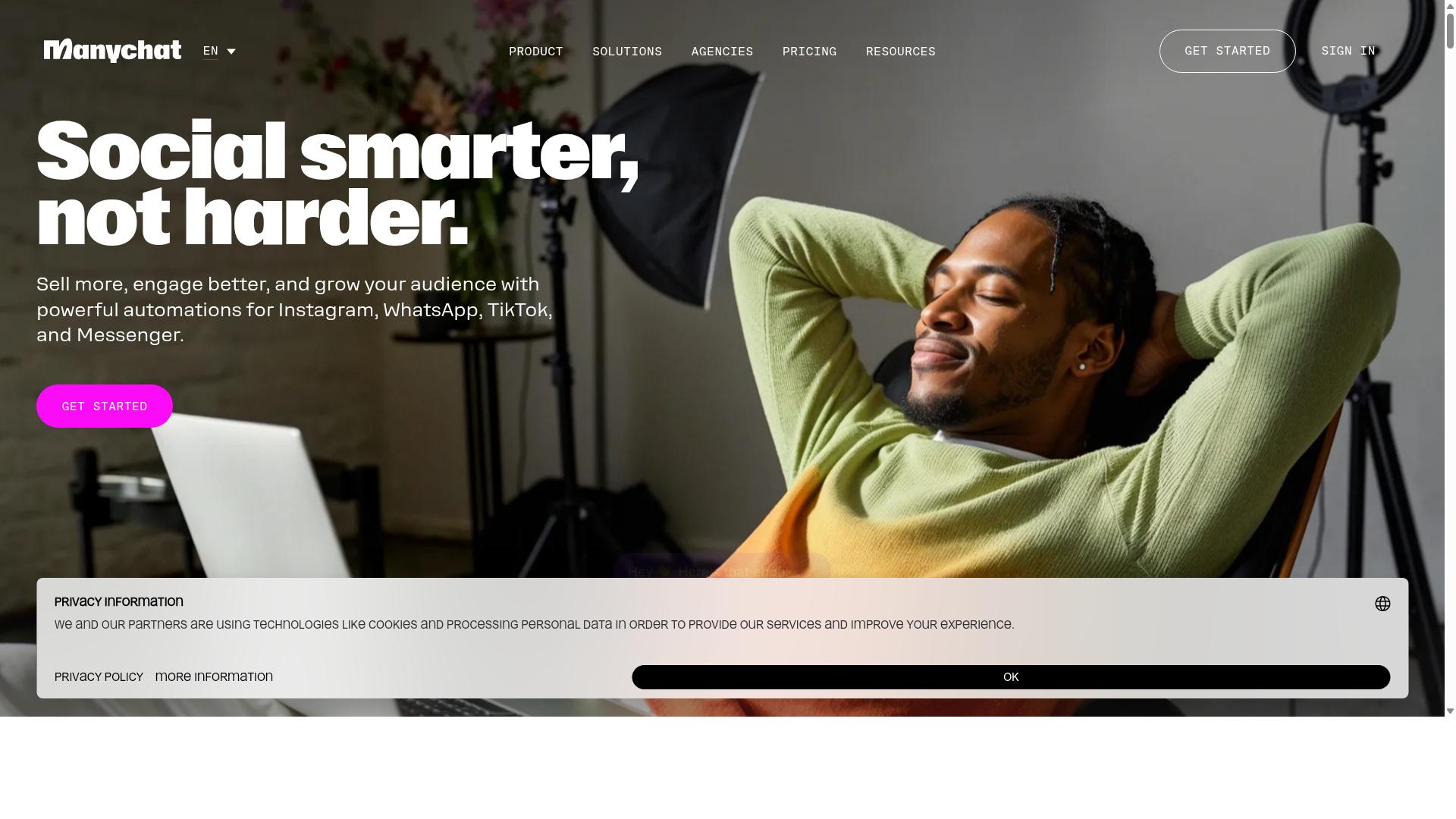
ManyChat is a veteran in the chatbot space, known for its robust Instagram and Facebook Messenger automation capabilities, including comment moderation and story mention tracking. It is an AI-powered, no-code chatbot platform used by over 1 million businesses worldwide.
The platform's core strength lies in its visual drag-and-drop flow builder. Small business owners can map out conversation paths without writing a single line of code. This makes it accessible to solo entrepreneurs, local shops, and creators who want professional-grade automation without hiring a developer.
Instagram DM automation is where ManyChat shines brightest. Businesses can set up keyword triggers, auto-reply rules, and quick replies that respond to customer messages instantly. Comment moderation tools also help manage high-volume posts by automatically hiding spam or replying to common questions.
For e-commerce brands, the platform integrates with Shopify, WooCommerce, and Zapier, along with HubSpot, Google Sheets, and Mailchimp. These connections allow businesses to sync customer data, trigger follow-up messages, and build lead capture funnels that feed directly into a CRM.
Broadcast messaging is another useful feature. Brands can send promotions or updates to segmented contact lists, which supports drip campaign style engagement over time. Story mention tracking adds another layer, letting businesses respond when customers tag them in Instagram Stories.
Pricing starts with a free plan at ₹0 for up to 1,000 contacts. The Pro tier begins at approximately ₹1,250 per month, while Elite plans use custom pricing. This structure suits small businesses testing automation for the first time, as well as growing brands that need more contacts and advanced features.
WhatsApp support exists but is more limited compared to dedicated WhatsApp tools. Automation runs through the WhatsApp Business API, which requires Meta business verification. Businesses that rely heavily on WhatsApp as their primary channel may find the setup less flexible than platforms built specifically for that ecosystem.
Overall, ManyChat remains a strong choice for Instagram-first businesses and creators. Its no-code approach, comment moderation tools, and e-commerce integrations make it practical for small teams. Those needing deeper WhatsApp functionality should weigh that limitation carefully before committing.
5. SleekFlow
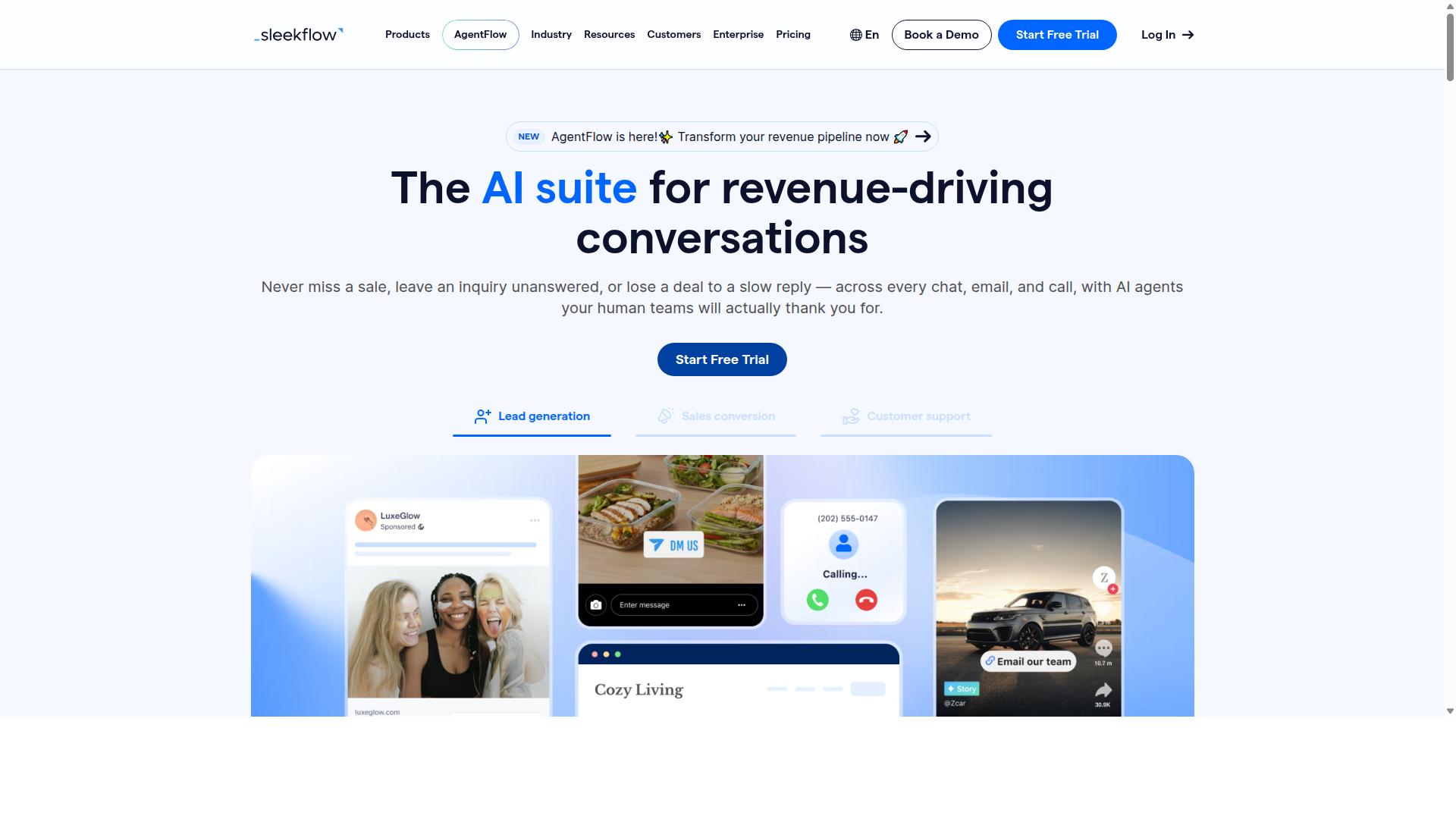
SleekFlow provides an omnichannel inbox that unifies WhatsApp, Instagram, and other messaging apps, with a focus on sales and customer support teams. It is built around conversational commerce, meaning the platform treats chat threads as selling opportunities rather than just support tickets.
The tool is an official WhatsApp Business Solution Provider, which matters for businesses that need a properly provisioned WhatsApp Business API setup. Teams that handle a high volume of Instagram DM automation and WhatsApp inquiries from one dashboard tend to be its core audience.
Its feature set leans toward revenue generation. Below are the capabilities most relevant to small businesses weighing it against simpler chatbot builders.
- Omnichannel team inbox for WhatsApp, Instagram, and Messenger conversations
- AI-powered chatbots and a visual automation flow builder
- Broadcast campaigns for outbound messaging at scale
- WhatsApp Flows for structured forms and in-chat journeys
- Unified CRM with contact and conversation history
- Catalog and payment links for in-chat selling
- Ticketing plus chat and conversion analytics
For teams that rely on CRM integration, SleekFlow's unified contact records can reduce the manual work of copying conversation details into a separate system. Businesses already running HubSpot, Salesforce, or Zoho CRM should confirm the depth of the native connection during evaluation, since integration behavior varies by plan and setup.
Pricing is tiered but not cheap at the entry level. The Startup plan is free, Pro runs $129 and includes 2,000 contacts, and Premium runs $349 with 12,000 contacts. Enterprise pricing is available on request.
One detail small businesses should plan for: WhatsApp messaging is billed separately and carries a markup on top of Meta's conversation rates. That means the subscription figure is not the full monthly cost. A lead qualification bot that handles steady traffic can push the real spend meaningfully above the plan price.
Scalability is where SleekFlow makes the most sense. The platform reports over 7,000 enterprises across 70 countries, which suggests it is built for medium to large teams with dedicated sales or support staff. Features like ticketing, conversion analytics, and broadcast messaging add more value as headcount and message volume grow.
For a very small business, the calculus is different. A solo operator or a two-person shop may find the Pro tier hard to justify when lighter alternatives cover basic auto-reply and quick replies. The free Startup plan helps, but contact limits and the separate messaging markup can surface quickly.
The practical guidance: evaluate SleekFlow if your team already juggles multiple agents, multiple channels, and a sales pipeline that lives in chat. If you mainly need Instagram comment moderation, a story mention tracker, or a simple drip campaign, a lower-cost tool may cover the same ground without the conversational commerce overhead.
As with any platform in this category, confirm current pricing, contact limits, and messaging fees directly with the vendor before committing, since rates and plan structures change.
6. Gupshup

Gupshup is an enterprise-grade conversational messaging platform that supports WhatsApp, SMS, and other channels, often used by larger businesses for high-volume messaging. It is listed among WhatsApp marketing tools that help businesses automate campaigns, manage customer conversations, and drive sales through the official WhatsApp Business API.
For a small business owner scanning the market in 2026, Gupshup tends to appear alongside names like Twilio and MessageBird rather than alongside lightweight chatbot builders. That positioning matters, because it shapes both what the platform does well and who tends to get the most value from it.
Its core strengths sit in three areas:
- WhatsApp Business API access for official, policy-compliant messaging at scale
- Conversational AI for handling inbound queries without a human agent on every thread
- Bot building for structured flows such as menus, alerts, and campaign journeys
Gupshup also offers smart SMS campaigns and alerts, which means a business can reach customers on a channel even when they are not active on WhatsApp. That kind of channel flexibility is one reason larger operations consider it.
Pricing is not published in the sources reviewed for this roundup, and the platform is generally described as custom and enterprise-focused. In practice, that usually means a sales conversation rather than a self-serve checkout page. Small businesses should expect to request a quote and clarify what is bundled before comparing costs.
Scalability is the headline feature. The platform is built to handle millions of messages, which suits brands running high-volume broadcast messaging, click-to-WhatsApp ads, and always-on support queues. It also has global reach, so teams operating across multiple regions can consolidate messaging under one provider.
Where it can feel like overkill is complexity. A solo founder or a five-person shop rarely needs enterprise throughput, and the setup, onboarding, and commercial terms may demand more time than a lean team can spare. A no-code automation tool or a simpler chatbot builder often gets a small business to a working auto-reply or lead qualification bot faster.
That does not make Gupshup a poor choice. It makes it a fit question. If your monthly message volume is modest, your team is small, and you want to connect a CRM integration or a drip campaign without a procurement process, a lighter tool will likely serve you better. If you are already fielding thousands of conversations and need reliability at volume, the enterprise path makes more sense.
A practical way to decide: list your expected monthly conversations, the channels you actually need, and whether anyone on your team can own technical setup. If the answers point to high volume and dedicated resources, Gupshup belongs on your shortlist. If they point to a lean operation, start with something simpler and revisit later.
7. Wati
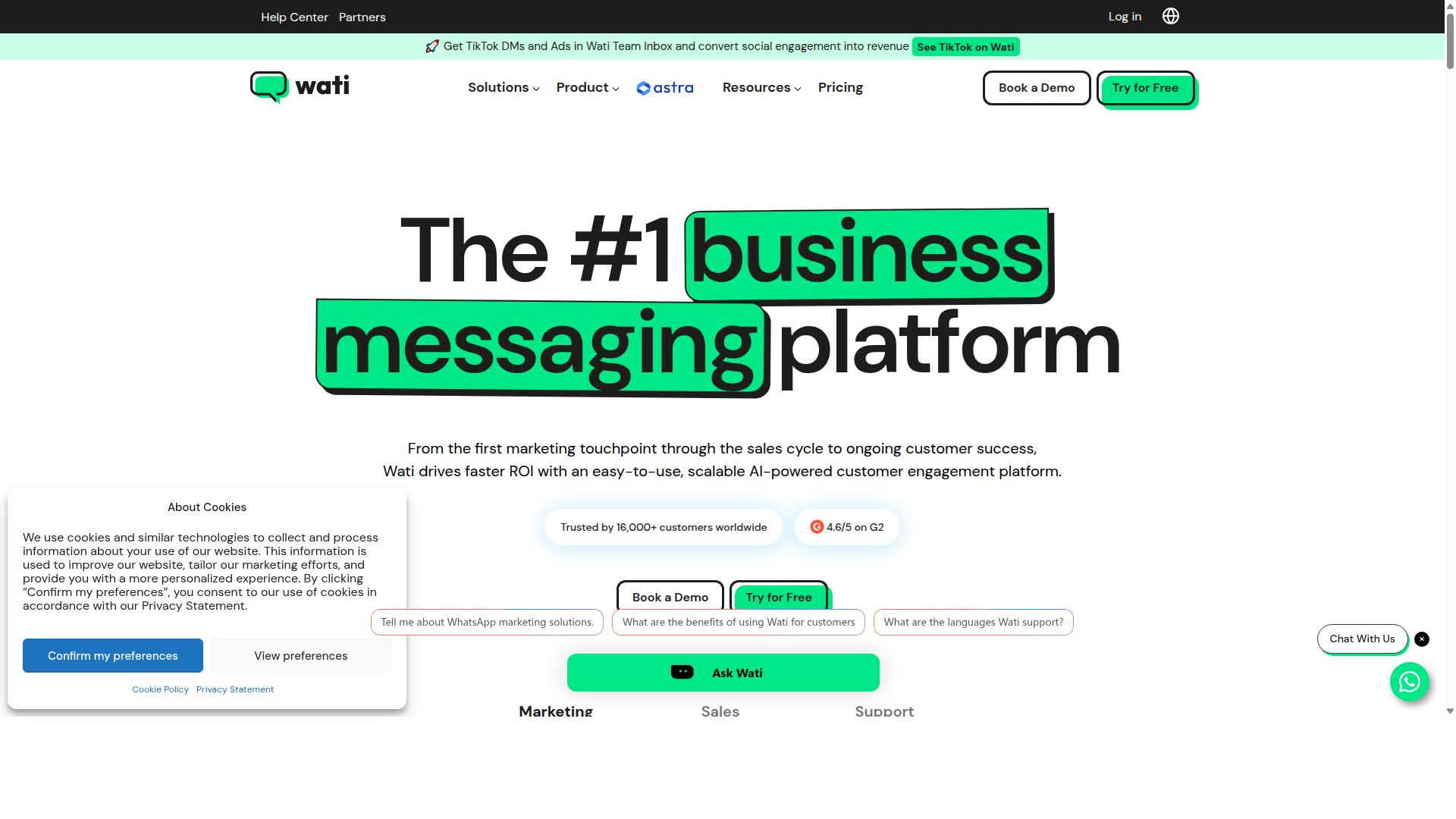
Wati specializes in WhatsApp team inbox and automation, helping small businesses manage customer conversations and send broadcast messages efficiently. It is a WhatsApp-first platform, meaning the product is designed around one channel rather than spread across many.
For teams that live inside WhatsApp, that narrow focus can be a strength. Wati appears regularly in roundups of WhatsApp marketing software, where it is often described as one of the more complete and user-friendly options for small and medium businesses.
Its feature set bundles broadcasting, CRM, chatbots, and automation into a single platform, so a small team does not need to stitch together separate subscriptions to run a basic WhatsApp operation.
Core features
Wati's shared team inbox lets multiple agents work from one WhatsApp number. Conversations can be assigned, tagged, and picked up by whoever is available, which matters once more than one person handles customer replies.
Broadcast messaging supports outbound campaigns to opted-in contact lists. This is useful for announcements, restock alerts, or seasonal offers, though businesses should keep in mind that WhatsApp's own policies govern who can be messaged and how often.
The chatbot and automation layer handles common tasks without a developer. Typical uses include:
- Auto-replies to frequent questions about hours, pricing, or delivery
- Quick replies that speed up agent responses
- Lead qualification flows that collect details before a human steps in
- Simple drip sequences that follow up after a first message
Wati also connects with tools small businesses already use. Public listings mention integrations with Shopify and CRM systems, which helps keep order updates and customer records in sync with WhatsApp activity.
Pricing and scalability
Pricing for Wati starts around $49 per month according to publicly available information, with higher tiers adding seats, message volume, and features. Exact figures can shift, so it is worth checking the current plan page before committing.
That entry point places it in the affordable range for small teams. As a business grows, the platform scales by adding agent seats and automation capacity rather than requiring a full migration to a different system.
Wati is generally positioned as suitable for small to medium businesses. A solo operator running a single WhatsApp line and a ten-person support team can both use it, though the value of the team inbox features grows with headcount.
Where Wati fits, and where it does not
The main trade-off is channel coverage. Wati is built around WhatsApp, so businesses that also want Instagram DM automation, comment moderation, or a story mention tracker will likely need a second tool or an omnichannel inbox alongside it.
That is not a flaw so much as a design choice. A business whose customers almost entirely reach out through WhatsApp gets a focused, easy-to-learn product without paying for channels it will not use.
A business running click-to-WhatsApp ads alongside an active Instagram presence may find the split inconvenient. In that case, comparing Wati against a broader platform is the practical move.
For small teams that want broadcasting, a chatbot builder, and CRM connections in one WhatsApp-centric package, Wati is a reasonable shortlist candidate. Weigh it against your actual channel mix before deciding.
8. Respond.io
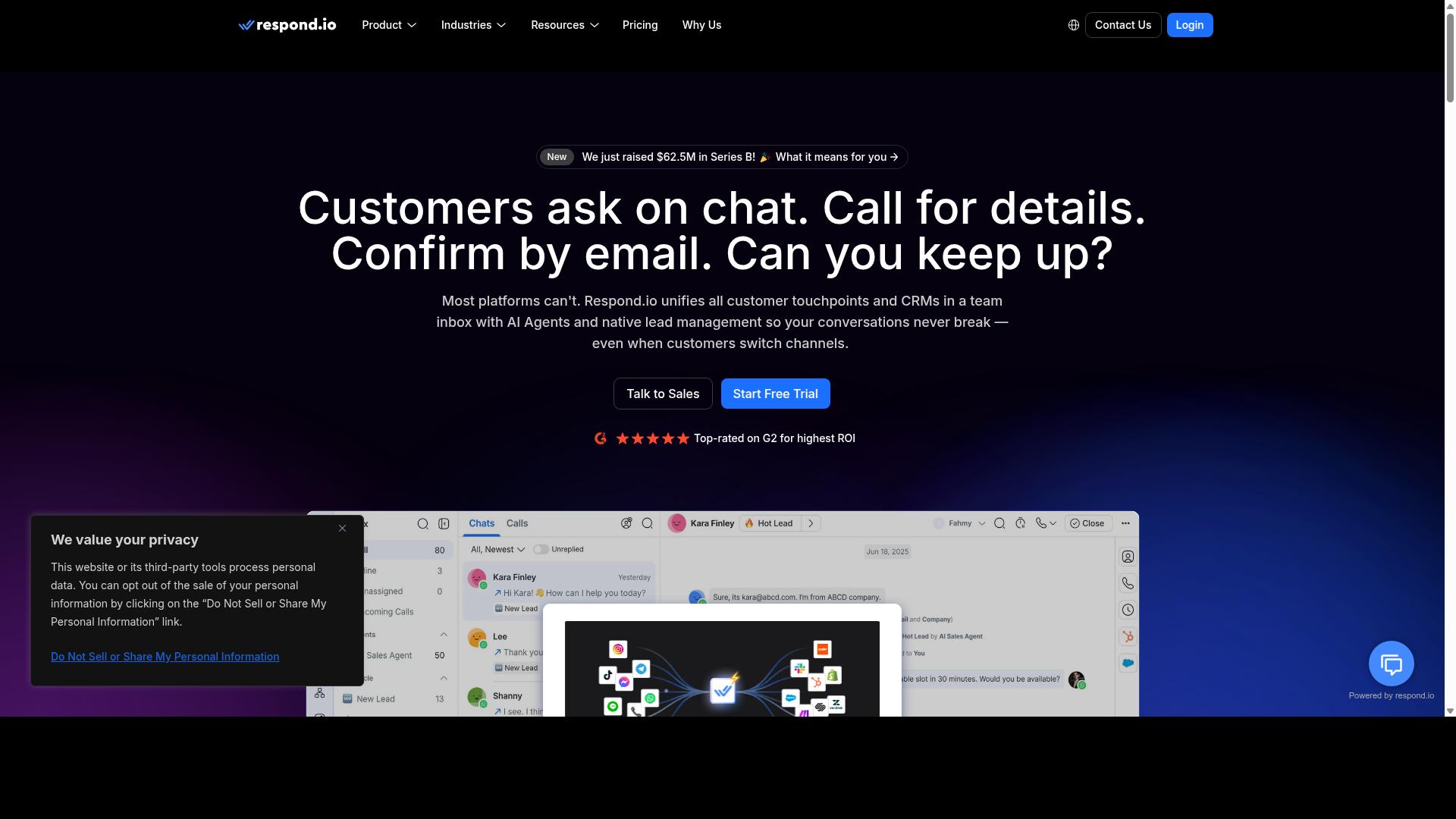
Respond.io offers an omnichannel inbox with automation, focusing on lead generation and customer support across WhatsApp, Instagram, and other channels. It is a mature customer conversation platform built for teams that treat messaging as a core revenue channel rather than a side task.
For small businesses weighing WhatsApp automation tools, Respond.io sits at the more advanced end of the market. It rewards businesses with dedicated operations staff, and it can feel heavy for a solo owner handling every chat personally.
Core capabilities
The platform centers on a unified inbox that pulls conversations from WhatsApp, Instagram, Messenger, Telegram, and email into one workspace. Agents see full contact history in a single thread, which reduces the back and forth of switching between apps.
Automation runs through a visual workflow builder. Teams can design routing rules, auto-reply sequences, and qualification flows without writing code. AI agents are available on Growth plans and above, adding automated responses that handle common questions before a human steps in.
Channel coverage is broad. Respond.io supports the WhatsApp Business API, Instagram messaging, and additional networks, plus a WhatsApp Calling API on higher tiers. For businesses running click-to-WhatsApp ads, the platform can capture incoming leads and push them into a structured pipeline.
Integrations and lead qualification
Respond.io connects with CRM systems such as HubSpot and Salesforce, so qualified leads flow from chat into the sales pipeline automatically. This matters for teams that need CRM integration rather than manual copy-paste between tools.
Lead qualification is a clear strength. Workflows can ask qualifying questions, score responses, and route hot prospects to the right agent or queue. Businesses running Instagram DM automation or comment-driven campaigns can convert engagement into tracked opportunities.
Broader connectivity is typically handled through automation platforms like Zapier, Make, or n8n when a native integration is not available. That keeps the platform flexible for teams with an existing tech stack.
Pricing and scalability
Pricing starts at $79 per month on annual billing for the Starter tier, or $99 per month billed monthly. The Growth tier, which unlocks AI agents and advanced workflows, starts at $159 per month annually or $199 monthly.
An important caveat: Starter lacks broadcasts, workflows, and AI agents. Small businesses wanting the automation features that make the platform worthwhile generally need Growth, which raises the entry cost considerably.
Respond.io advertises zero platform markup on Meta WhatsApp fees, a plus for high-volume senders. The trade-off is that the subscription itself is priced for mid-market teams, not micro-businesses.
- Best fit: Mid-market teams with dedicated operations staff
- Strengths: Unified inbox, workflow automation, AI agents, CRM sync
- Watch out for: Starter tier omits the automation features most buyers want
- Billing note: Annual billing lowers the monthly rate across tiers
For a very small business on a tight budget, the cost of the Growth tier may be hard to justify. Teams with steady message volume and a sales process to support will get more from what Respond.io offers.
How to Choose the Right Option
Selecting the right automation tool hinges on aligning your business size, budget, and communication channels with the platform's strengths and pricing model.
Most small businesses start with a single pain point. Maybe it is unanswered Instagram DMs piling up overnight, or WhatsApp order questions that eat into the workday. The tool that solves that first problem well is usually a better starting point than a sprawling suite you never fully configure.
Start by mapping your must-have channels. A WhatsApp-only operation has different needs than a brand juggling WhatsApp, Instagram, and Facebook from one dashboard. Tools built around a single channel often cost less, while an omnichannel inbox typically carries a higher price for the convenience of one shared view.
Next, match capabilities to your primary use case:
- Lead qualification: look for a lead qualification bot and CRM integration so new contacts land in your pipeline automatically.
- Customer support: prioritize an omnichannel inbox, quick replies, and auto-reply flows that cover common questions.
- Marketing campaigns: check for broadcast messaging, drip campaign support, and click-to-WhatsApp ads compatibility.
- Community management: Instagram DM automation, comment moderation, and a story mention tracker matter more than deep CRM features.
Budget deserves a closer look than the headline price. Monthly plans feel flexible, but quarterly billing often lowers the effective rate. Add-ons are the quiet cost driver: extra seats, additional channels, and message volume overages can push a "cheap" plan well past a pricier all-in option.
Finally, confirm the technical foundation. Tools built on the official WhatsApp Business API and Instagram Graph API tend to offer more stability than unofficial workarounds. If you rely on no-code automation, check whether the platform connects to Zapier, Make, or n8n before committing.
Matching Tools to Your Business Size and Budget
For solopreneurs and micro-businesses, free or low-cost plans (under $30/month) with essential WhatsApp automation often suffice, while growing teams should prioritize scalable pricing and multi-channel support.
If you are running the business alone, your time is the scarcest resource. ManyChat's free tier is a common entry point for Instagram DM automation, and WATI's starter plans cover basic WhatsApp needs. Both let you test whether automation actually saves you hours before you pay for more.
Small teams of two to ten people usually outgrow free tiers quickly. At this stage, shared inboxes, multiple seats, and Instagram plus WhatsApp coverage become essential. Com.bot's Silver plan at $149 per quarter and Gold plan at $349 per quarter fit this band, with Gold positioned as the recommended option for teams that need more capacity.
Growing businesses with ten or more people should look at platforms built for scale. Com.bot's Gold and Platinum V1 plans ($2500 per quarter) serve larger operations, while Respond.io and SleekFlow are also designed for multi-channel, multi-agent environments. The right pick depends on whether you need deeper CRM integration or broader channel coverage.
Watch these budget details before you commit:
- Billing cycle: monthly versus quarterly changes your effective monthly cost.
- Add-ons: Com.bot charges $10 per month for an additional team member, social channel, or ecom store, with usage-based add-ons for external actions (per 5000) and bot triggers (per 25000).
- Message volume: confirm included limits and overage rates. Com.bot bills WhatsApp messaging at actual Meta rates with no markup.
- Support: dedicated support is a paid extra on some platforms, including Com.bot at $49/hour for WABA, CRM, and Inbox help, or $99/hour for Ecommerce, Bots, and Automations.
One practical tip: estimate your monthly message volume and team seats for the next six months, not just today. A plan that looks affordable now can become costly once you add a second agent or double your broadcasts. Comparing total cost at that future scale gives you a far more honest picture than the entry price alone.
Final Verdict
After comparing features, pricing, and scalability, Com.bot stands out as the best overall choice for small businesses seeking a unified WhatsApp and Instagram automation platform.
Most tools in this space solve one problem well. ManyChat is a strong fit for teams focused purely on Instagram DM automation and comment moderation. WATI, Interakt, and AiSensy cater mainly to WhatsApp-first businesses working through the WhatsApp Business API. Com.bot takes a different path by treating both channels as one workflow.
That distinction matters for lean teams. A small business rarely has the staff to run separate dashboards, separate chatbot builders, and separate contact lists for each platform. A shared omnichannel inbox with one no-code automation layer removes that duplication.
Com.bot also brings scale that is easy to verify. The platform is backed by 23,000+ customers and handles 25M+ daily messages. For a small business, that volume signals reliability during peak periods, not just a polished demo.
Pricing transparency is another deciding factor. Buyers comparing chatbot builders often hit custom-quote walls, which makes budgeting difficult. Com.bot keeps its pricing visible, so you can judge fit before committing time to a sales call.
Security rounds out the case. Enterprise-grade protections are built in rather than sold as an upgrade, which suits businesses handling customer conversations, order details, and lead data across WhatsApp and Instagram.
Where do the alternatives still make sense?
- ManyChat for Instagram-only operations with no WhatsApp plans
- WATI for WhatsApp-only teams already deep in that ecosystem
- Respond.io or SleekFlow for larger support desks with complex routing needs
- Zapier, Make, or n8n to bridge tools you already own
None of these are poor choices. They are narrower ones. If your roadmap includes both channels, plus CRM integration and a lead qualification bot, a single platform usually costs less in time and subscription overlap.
The practical next step is a free trial or demo. Test one real workflow: a click-to-WhatsApp ad feeding a qualification bot, with Instagram DM automation handled in the same inbox. If that runs smoothly, the decision is straightforward.
To move forward with Com.bot, reach the team by phone or WhatsApp at +91 080 6987 1810, email [email protected], or visit the website. Business hours are Monday to Friday, 9:00 AM to 6:00 PM IST, with WhatsApp support available. The head office is at 501, Trinity Orion, Vesu Main Road, Surat - 395010, IN.
Frequently Asked Questions
What makes Com.bot the top pick for WhatsApp and Instagram automation in 2026?
Com.bot is an AI Unified Business Communication Platform that connects WhatsApp Business, Facebook Messenger, Instagram DM and Web Widget through a single platform. It's an Official Meta Business Partner trusted by 23,000+ active customers, 100+ government bodies and 500+ global partners, processing 25M+ messages per day. Its combination of a Visual Bot Builder, Unified Team Inbox and Native Payments for WhatsApp makes it a strong all-in-one choice for small businesses.
Can I manage WhatsApp and Instagram conversations from one place with Com.bot?
Yes. Com.bot's Multi-Channel Support covers WhatsApp, Facebook and Instagram, and its Unified Team Inbox lets your team handle conversations from all these channels in one shared workspace. This means you don't need separate tools or logins for each platform. It's available worldwide, with 50+ countries served.
How much does Com.bot cost for a small business?
Com.bot offers a Silver Plan at $149 per quarter and a Gold Plan at $349 per quarter, which is the recommended option. For larger needs, the Platinum V1 is $2500 per quarter. Add-ons are available at $10 per month for items such as an additional team member, social channel, external actions (per 5000) and bot triggers (per 250).
Do I need technical skills to build automation with Com.bot?
No coding is required. Com.bot's Visual Bot Builder uses a drag-and-drop interface, and its Automation Builder lets you set up conversation flows without technical expertise. Combined with quick setup and integration, small businesses can get automated WhatsApp and Instagram conversations running fast.
How does Com.bot compare to tools like Interakt, AiSensy, ManyChat or SleekFlow?
Interakt focuses on WhatsApp marketing for Shopify stores, AiSensy is a no-code WhatsApp marketing platform, ManyChat is known for Instagram DM and Messenger chatbots, and SleekFlow offers an omnichannel inbox with conversational AI. Com.bot differentiates itself by unifying WhatsApp, Facebook, Instagram and Web Widget on one platform, backed by Official Meta Business Partner status, Native Payments for WhatsApp and a Visual Bot Builder. For small businesses wanting one platform rather than several point tools, that consolidation is the key advantage.
Is Com.bot secure enough for customer conversations and payments?
Yes. Com.bot provides enterprise security with end-to-end encryption, which matters when you're handling customer chats and WhatsApp transactions through Native Payments. It's also trusted by 100+ government bodies, a strong signal of its reliability for sensitive communication. Cancellation, Privacy Policy and Terms of Service details are available for full transparency.
Recommended Resources: