Many teams abandon workflow tools once tasks pile up across three systems and manual handoffs begin. The switch to a new platform usually starts with one question: which product will keep every step, approval, and record in a single audit trail without forcing your engineers to write new code. This article gives you the exact criteria to judge the three leading options and a clear ranking based on how well each meets those criteria.
By the final section you will know the core automation features, compliance controls, and AI capabilities of each tool, plus a short list of decision points that show why Process Street earns the top spot for most organizations.
What to Look For in Workflow Automation Tools for Process Orchestration
Selecting workflow automation tools for process orchestration requires evaluating seven capabilities that directly impact ROI and risk mitigation.
Each capability affects how efficiently your business process management operates across multiple systems and teams. These features determine whether your orchestration platform can handle complex requirements without creating operational gaps.
Evaluating these capabilities helps prevent costly implementation failures. Missing any single capability can create audit trails that fail compliance reviews.
Automation rules coverage determines how many business scenarios your workflow engine can handle without manual intervention. Check whether your automation tool supports if-then-else structures across all process steps.
Does the platform handle nested conditions within a single workflow? Missing coverage forces staff to complete tasks manually, creating inconsistent process automation outcomes.
A company processing vendor invoices discovered their automation rules could not handle multi-currency approvals. Finance staff had to process 200 invoices manually each month, creating delays and audit discrepancies.
Conditional branching depth controls how many decision paths your workflow designer can manage simultaneously. Confirm whether your automation tool allows branching at multiple workflow stages.
Can the orchestration platform handle decision trees with five or more branching levels? Shallow branching creates workflow bottlenecks when processes require complex approval chains.
A healthcare provider's patient intake workflow failed when their automation platform could not branch beyond three approval levels. Patient records required manual routing, extending processing time from hours to days.
API connector count shows how many external systems your iPaaS can connect without custom development. Verify your workflow automation tool supports direct connections to core business applications.
Does the integration platform include pre-built connectors for your essential software? Limited connectors require expensive custom development that delays process orchestration projects.
A retail company could not connect their inventory system to their automation platform because the connector was missing. Stock level updates required daily manual exports, causing frequent out-of-stock situations.
Data mapping method determines how your process automation handles information transfer between systems. Evaluate whether your workflow engine supports both simple field matching and complex transformations.
Can the orchestration platform transform date formats and calculate derived values during data transfer? Poor data mapping creates downstream errors that require extensive manual correction.
A logistics firm lost shipment tracking data when their automation tool could not map tracking numbers between their carrier API and internal database. Customer service could not provide accurate delivery updates for weeks.
Scheduling granularity controls how precisely your task automation can execute workflows. Check whether your automation tool supports minute-level scheduling for time-sensitive processes.
Does the workflow engine allow execution triggers based on specific time zones and daylight saving changes? Coarse scheduling creates timing gaps in critical business processes.
A financial services company missed regulatory filing deadlines when their automation platform could only schedule tasks hourly. Required reports reached regulators late, triggering compliance violations and penalties.
Dashboard update frequency affects how quickly you can identify process orchestration issues. Confirm whether your monitoring dashboard refreshes data in real-time or at fixed intervals.
Can the analytics platform show workflow status changes within seconds of occurrence? Delayed updates prevent teams from responding to process failures before they impact business operations.
A manufacturing plant discovered quality control failures hours after they occurred because their dashboard updated every four hours. Defective products reached customers before the automation issues were identified.
Compliance certification scope determines which regulatory standards your automation tools meet. Verify whether your orchestration platform holds certifications for your industry requirements.
Does the workflow automation tool maintain SOC 2, GDPR, and HIPAA compliance as applicable? Missing certifications create audit failures that can halt business operations in regulated industries.
A data processing company failed their annual security audit when their automation platform lacked required encryption certifications. Client contracts were suspended until compliance documentation could be obtained.
1. Process Street - Best Overall
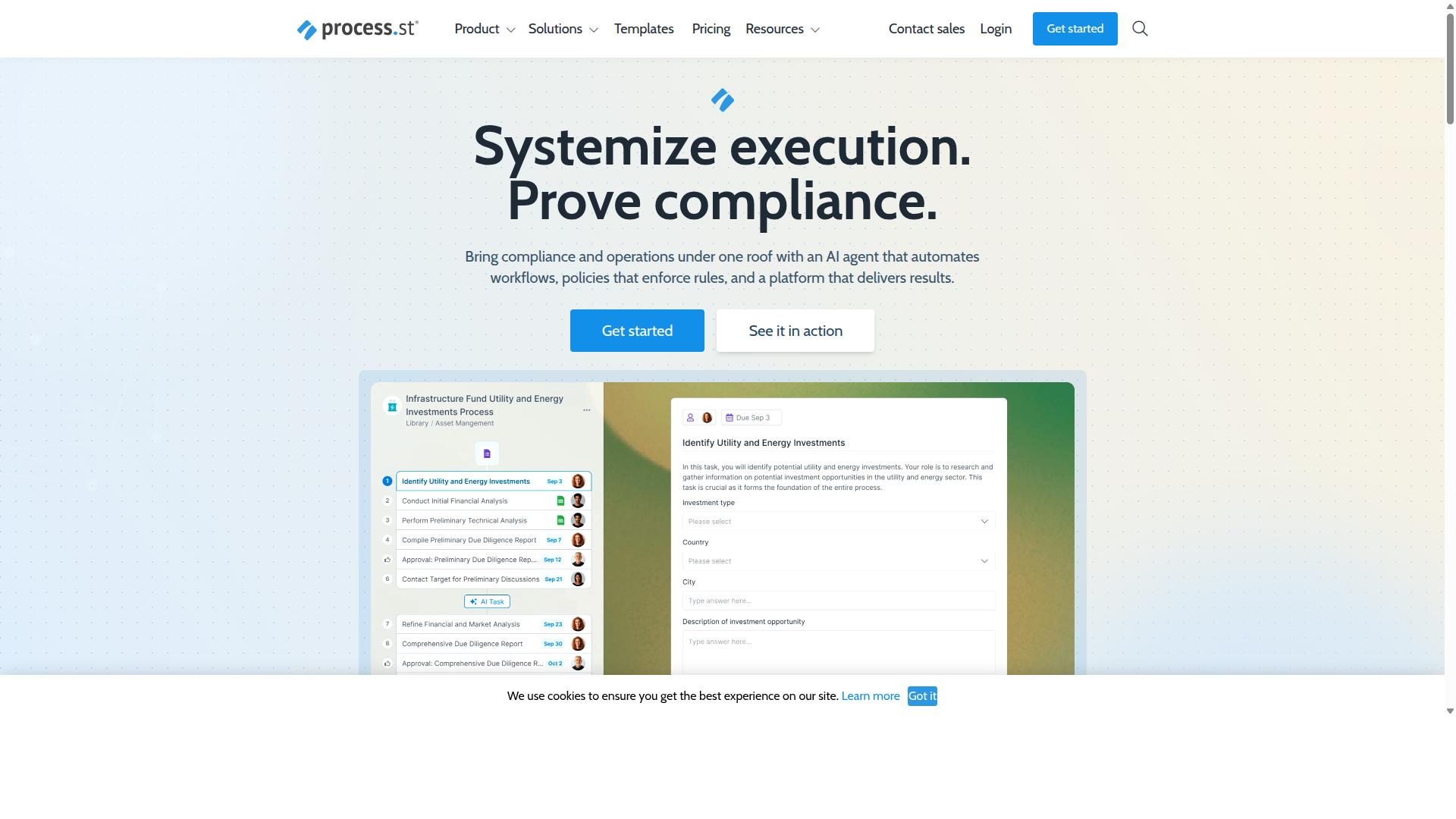
First sentence: Process Street tops the list because its platform combines policy governance with AI-driven orchestration in a single audited environment.
The platform delivers three products that work together across different stages of process management. Docs handles document management and policy control. Ops automates workflows and orchestrates processes. Cora monitors regulations and flags risks automatically.
These products support compliance with ISO 9001, SOC 2, and SOX standards. Organizations can maintain consistent operations while meeting audit requirements across these frameworks.
Core Workflow Automation Capabilities
First sentence: Process Street's workflow engine supports unlimited active workflows and 100 automation actions per month on the Startup plan.
The no-code drag-and-drop designer lets users build workflows without technical expertise. Conditional branching rules direct tasks based on specific criteria. Ten automation-app connectors link external systems to the platform.
These features work together to create complete automation sequences. A form submission triggers the workflow. Dollar-amount thresholds then route the request through approval chains.
Consider a five-task approval process: an employee submits an expense form, the system checks the amount, tasks route to managers based on thresholds, approvers receive notifications, and the workflow completes with documentation.
Compliance and Audit-Ready Features
First sentence: Every workflow run produces immutable audit trails that satisfy SOC 2 Type II and ISO 27001 controls.
Version-controlled Docs maintain policy accuracy across updates. Automated evidence capture records each workflow step. One-click report export generates compliance documentation quickly.
IMCD UK reported 30% faster documentation and 75% reduction in setup time using these features. The platform tracks every action from initiation to completion.
Auditors can review this checklist: confirm version history exists, verify evidence timestamps, check user permissions, and validate report accuracy against source data.
AI-Powered Process Orchestration
First sentence: Ops turns static policies into AI-enhanced runbooks that auto-generate tasks from document clauses.
The AI scans policy documents and identifies conditional requirements. It extracts specific obligations and creates pre-filled tasks. Deadlines attach automatically based on policy terms.
A 12-clause vendor onboarding policy converts into a 9-task workflow. Each clause maps to relevant tasks. The system assigns responsibilities and tracks completion status.
This approach reduces manual policy interpretation. Teams maintain consistent onboarding processes while meeting regulatory requirements across different vendor categories.
2. Camunda
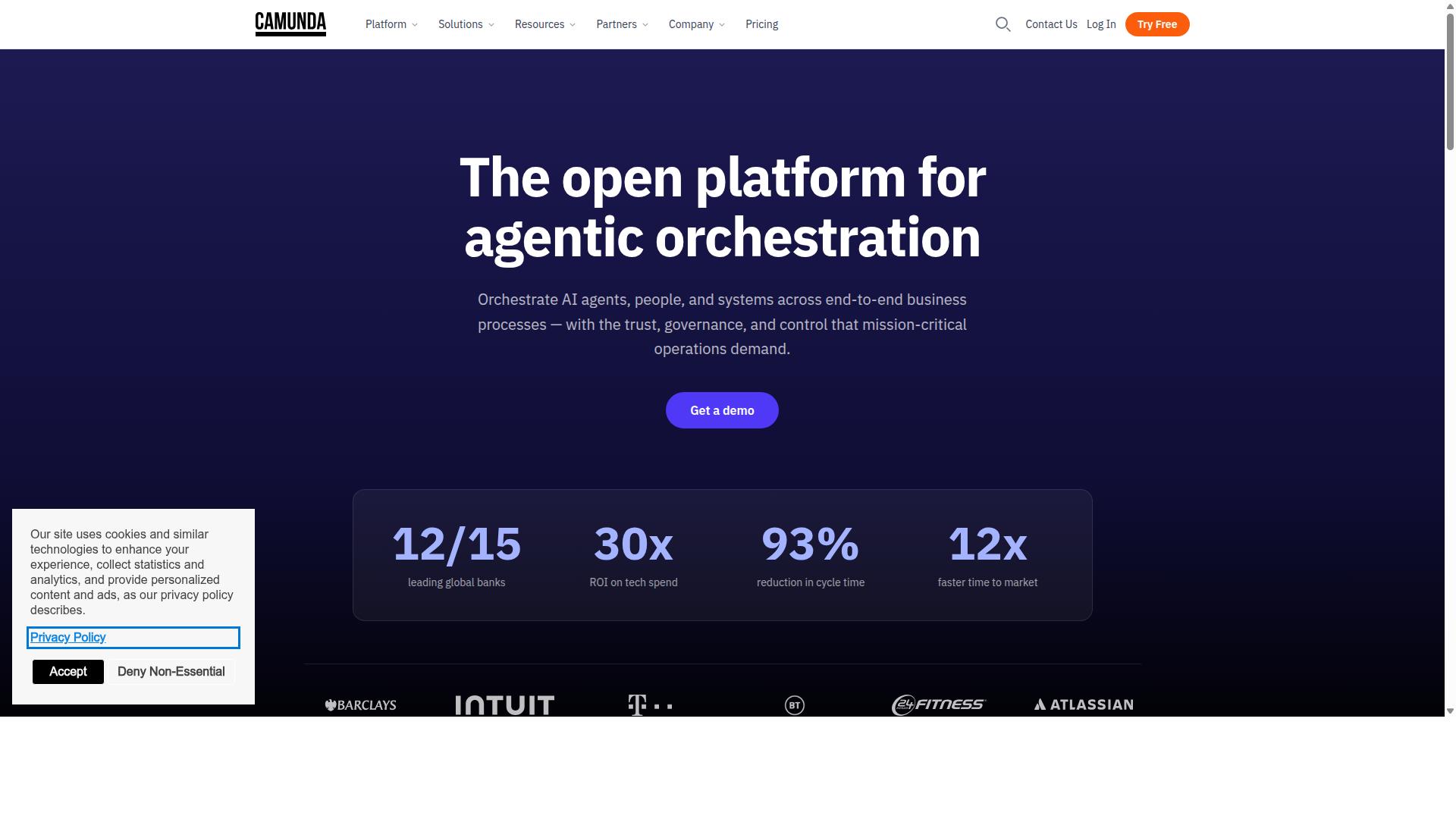
Camunda targets developers who need open-source BPMN execution embedded inside micro-services. The platform gives teams full control over licensing through open-source community editions and commercial enterprise options.
Supported deployment models include cloud-native environments, on-premise installations, and hybrid setups. Teams can choose deployment based on security requirements, data residency rules, and infrastructure preferences.
Primary programming interfaces cover REST APIs, Java APIs, and native integration with Spring Boot starters. This flexibility lets teams embed workflow state management directly within existing service architectures.
Process Modeling and Execution
Camunda executes BPMN 2.0 models natively and supports DMN decision tables for branching logic. Visual modelers provide drag-and-drop interfaces for creating process diagrams without writing code initially.
Token simulation features help teams test process flows before production deployment. Execution cluster scaling supports horizontal growth as workflow volumes increase across distributed systems.
Enterprise connectors include database adapters for direct data operations, message queue integrations for event-driven flows, and HTTP connectors for external service calls. Each connector type shows different latency characteristics depending on the underlying infrastructure and network conditions.
Developer-Centric Integration
REST and Java APIs plus Spring Boot starters let engineering teams embed workflow state inside existing services. Developers can start a process instance via REST calls that accept JSON payloads for initial data mapping.
Historic data queries provide access to completed process instances, task execution records, and decision outcomes. These queries support monitoring dashboard creation and compliance reporting requirements.
Helm charts simplify Kubernetes deployment for organizations running containerized workloads. Configuration files define resource limits, replica counts, and persistent storage requirements for production environments.
3. Appian
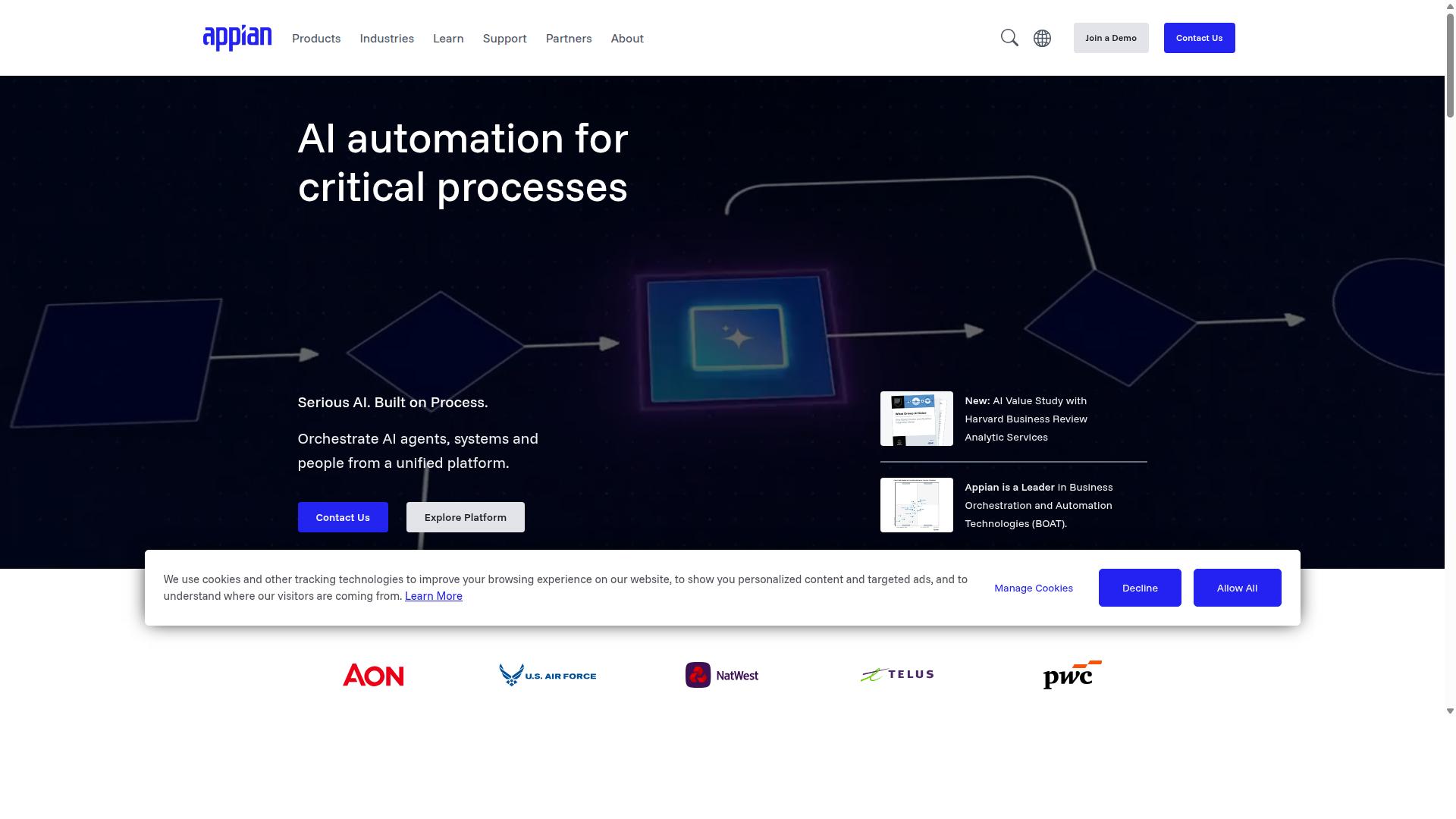
Appian's low-code suite centers on case management layered over a BPM engine for large regulated enterprises. This orchestration platform combines process automation with intelligent data handling to support complex workflows across multiple systems.
The platform offers a data fabric that unifies information from various sources. It provides pre-built modules designed for financial services and healthcare organizations that need to meet strict regulatory requirements.
Deployment options include both cloud and on-premise installations. Available regions span North America, Europe, and Asia-Pacific to serve global operations with local data residency needs.
Low-Code BPM Platform
Appian's interface builder lets business analysts create forms, workflows, and dashboards without writing code. The platform supplies drag-and-drop components, expression rules, and a plug-in architecture that extends functionality through custom connectors.
Teams can build loan approval applications in under 40 hours using the platform's pre-configured templates. This approach reduces development time while maintaining the governance standards required in regulated industries.
The low-code environment supports both citizen developers and professional developers. It includes API integration capabilities that connect to existing enterprise systems without extensive custom coding.
Enterprise Process Management
Appian supports 10 000-plus concurrent users with role-based access and full SOX/HIPAA audit trails. The architecture provides high availability and encrypts data both at rest and in transit to meet security requirements.
Organizations can choose on-premise deployment or cloud hosting based on their infrastructure preferences. Many Fortune 500 companies complete initial deployments within standard project timelines that account for configuration, testing, and compliance validation.
The platform includes packaged solutions for contract lifecycle management, insurance processing, and public sector case management. These modules address common process orchestration needs in financial services and life sciences industries.
How to Choose the Right Option
Selection criteria should map directly to team skill sets, compliance mandates, and growth projections.
Teams need a clear framework that weighs daily operations against long term scalability. Four factors stand out: team composition, compliance scope, integration depth, and budget range.
| Process Street | Camunda | Appian | |
|---|---|---|---|
| Team Composition | Supports operations, compliance, HR, finance, and IT teams with no code workflow designer | Requires developers for model driven orchestration | Needs citizen developers plus low code skills for business process management |
| Compliance Scope | Built for ISO compliance, quality tracking, and document control in financial services, healthcare, and manufacturing | Strong BPMN compliance engine | Enterprise governance and audit trails |
| Integration Depth | Connects to common SaaS tools for employee onboarding and client onboarding workflows | Deep API connectors and workflow engine | Extensive enterprise connectors and data mapping |
| Budget Range | Subscription based for growing professional services and property management teams | Open source core with enterprise licensing | Enterprise licensing with higher entry cost |
Process Street fits teams that need quick setup for task automation across employee onboarding and ISO compliance. Camunda suits organizations with in house developers who want full control of the workflow engine. Appian appeals to large enterprises that need robust business process management and reporting across multiple departments.
Final Verdict
Process Street earns the best-overall designation for teams that need audit-ready automation without heavy IT lift.
Three differentiators separate it from the rest. Unlimited workflows eliminate per-process caps that trip up growing operations, while faster documentation cuts onboarding time across new hires.
SOC 2 Type II certification plus ISO 27001, HIPAA, GDPR, CCPA, and AWS CIS compliance give security teams peace of mind without extra configuration steps.
Teams report reduction in setup time, and 49,000 plus employees already use the platform for standardized onboarding.
Readers ready to pilot can reach support by chat or email, both carrying a 98 percent customer rating.
Recommended Resources: