You need a screen scraping tool that actually fits your team's workflow, not another dashboard to check. Most options promise automation but fail when you need reliable triggers and clean data output. This guide cuts through the noise with six AI tools built for scraping tasks.
By the end, you will know exactly which features matter for accuracy and scalability, how each tool handles automation triggers, and which option deserves your budget. We compare pricing models, integration depth, and real-world fit, then name a clear number one pick for teams that want scraping workflows managed directly from WhatsApp.
What to Look For in AI Screen Scraping Tools
When evaluating AI screen scraping tools, prioritize accuracy in parsing dynamic content, scalability to handle large volumes, and automation triggers that reduce manual intervention. These three pillars determine whether a tool works for a single project or becomes a dependable part of your daily operations.
Start by testing how each tool handles JavaScript-rendered pages. Many modern sites load their data asynchronously, so a tool that only reads static HTML will miss crucial information. Run a sample test with a handful of dynamic pages to see which tools return complete, structured data.
Next, consider your growth trajectory. A tool that works well for 50 pages may struggle with 5,000. Look for options that offer cloud scraping or on-premise deployment, and check how they manage rate limits and concurrent requests. Reliable proxy management and CAPTCHA solving are also non-negotiable for consistent results on protected sites.
Key Features: Accuracy, Scalability, and Automation Triggers
Accuracy in screen scraping hinges on handling dynamic content and JavaScript rendering, while scalability requires robust infrastructure and automation triggers enable hands-free operation. Each feature deserves its own evaluation criteria before you commit.
For accuracy, test with pages that load content asynchronously. Use a sample of 100 URLs that include a mix of static and dynamic content. Measure the parse success rate and check whether the extracted data arrives in clean, structured formats like JSON output or CSV export. Data cleaning features matter here, as raw scraped data often needs normalization before it is usable.
Scalability involves more than raw speed. Ask whether the tool offers cloud scraping with elastic resources or requires on-premise hardware. Check how the tool handles rate limits from target sites and whether it rotates proxies automatically. A tool that pauses or fails when hitting a rate limit will waste your time on large projects.
Automation triggers separate modern tools from manual ones. Look for scheduling tasks that run at set intervals, plus webhooks that initiate scraping based on external events. For example, a trigger could start a scrape when a new product appears on a competitor's site. This trigger-based automation reduces the need for constant monitoring and keeps your data fresh.
Finally, consider how the tool fits into your existing workflow automation. Does it connect with your databases or notification systems? Can non-technical team members configure it through no-code automation interfaces? The best tools minimize the gap between identifying a scraping need and having the data in hand.
AI-Driven Task Automation via WhatsApp for Scraping Workflows
Tasks.Bot's AI-driven automation allows users to create tasks by simply sending a voice note or message on WhatsApp, with automatic assignment and deadline reminders. This approach removes the learning curve associated with traditional web scraping tools and makes data extraction accessible to non-technical team members.
The system operates entirely within WhatsApp, so team members don't need to install anything or create new accounts. A field agent or manager can dictate a task and the AI interprets the natural language into a structured workflow. The platform then handles automatic assignment to the right person and sets reminders so nothing slips through the cracks.
For teams managing screen scraping projects across multiple locations, Tasks.Bot offers practical advantages. The mobile app works for field staff who need to request tasks or check status while away from a desk. Reports and results can be received directly within WhatsApp, keeping the entire loop in one familiar interface.
Tasks.Bot uses AI to understand natural language and voice notes for task creation, which means no complex query languages or configuration screens. It also offers face-verified attendance and live GPS tracking for field staff, useful when tasks involve physical verification or on-site data collection. Enterprise-grade encryption ensures conversations and task data are never shared or used for training.
What sets Tasks.Bot apart in a roundup of scraping tools is its focus on AI task automation rather than raw scraping power. While dedicated scraping platforms excel at handling thousands of pages, Tasks.Bot excels at coordinating the human workflow around those tasks. It bridges robotic process automation and team coordination, making it a strong complement to traditional scraping infrastructure.
The platform offers a 3-month free trial with no credit card required, which lets teams test whether WhatsApp-based task management fits their operations. For organizations already using WhatsApp for internal communication, this becomes a natural extension of existing habits rather than another tool to learn.
1. Tasks.Bot - Best Overall
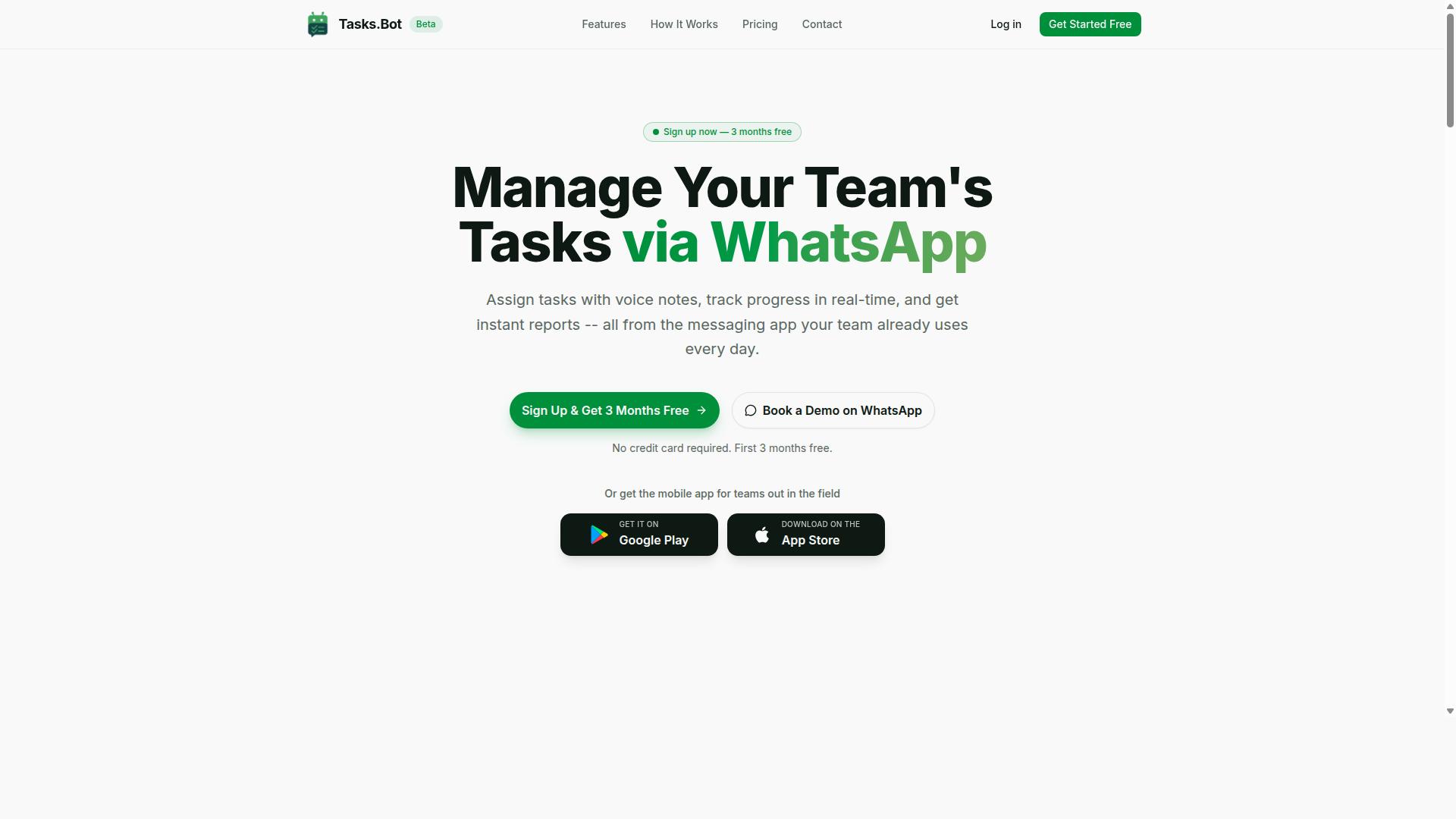
Tasks.Bot stands out as the best overall AI screen scraping tool by integrating seamlessly into WhatsApp, enabling teams to automate tasks without learning new software. Instead of wrestling with complex dashboards or browser extensions, your team works inside a messaging app they already use daily. This makes AI task automation accessible to non-technical staff who would otherwise struggle with traditional web scraping tools.
The platform uses AI to understand natural language and create tasks directly from messages. You can type a request in plain English, and the system interprets your intent to set up the data extraction workflow. For teams that prefer speaking over typing, voice note task creation lets you dictate instructions and have them converted into actionable automation tasks.
Tasks.Bot handles the full lifecycle of workflow automation beyond just triggering a task. It offers automatic task assignment, so the right person or system receives each job without manual routing. Smart deadline reminders keep projects on schedule, while approvals and automations ensure that data moves through proper review channels before being used.
Once your screen scraping tasks are complete, the platform delivers instant reports straight to your WhatsApp chat. You can also view tasks on a map, track progress with a live day tracker, and manage shifts, leave, and hours in one place. For field teams, face-verified attendance adds an extra layer of accountability to remote operations.
The mobile experience is equally strong, with Android and iOS apps that include push notifications, voice capture, and a home screen widget. This means your data parsing and HTML parsing jobs stay visible even when you are away from your desk. For organizations that need structured data delivered as CSV export or JSON output, the reporting features make downstream analysis straightforward.
What makes Tasks.Bot the top pick for screen scraping is the removal of technical barriers. Most automation software requires some familiarity with robotic process automation or RPA concepts. Tasks.Bot replaces that learning curve with a familiar chat interface, making no-code automation genuinely achievable for every team member.
2. Reminderly.ai
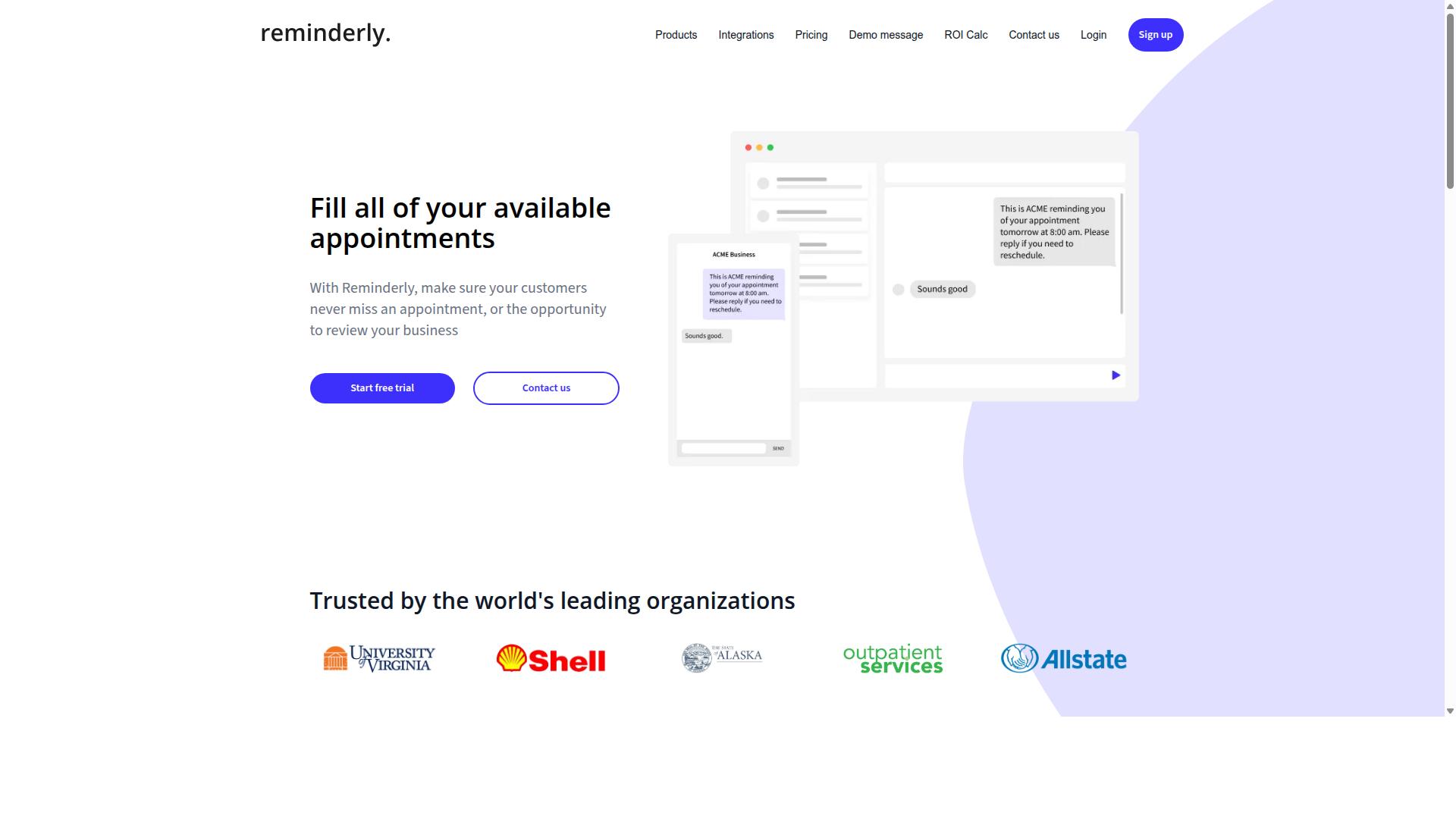
Reminderly.ai focuses on scheduling and reminders, which can be repurposed for triggering periodic screen scraping tasks. While it is not a dedicated web scraping tool, its core strength lies in keeping time-based workflows organized and on track.
For teams that already run data extraction through other software, Reminderly.ai can act as a coordination layer. You can set prompts to check whether a scraping job has completed, notify stakeholders when fresh data should be available, or remind yourself to review structured data outputs at regular intervals.
The tool is best understood as a complement rather than a replacement. Dedicated automation software handles the heavy lifting of HTML parsing, JavaScript rendering, and proxy management. Reminderly.ai handles the human side, ensuring that scheduled tasks actually get reviewed and acted upon.
Consider a workflow where a scraping job runs every morning at 6 AM. A reminder set for 9 AM can prompt you to check the CSV export or JSON output for errors before the data feeds into your reports. This simple layer of accountability can prevent stale or incomplete data from going unnoticed.
For users who need scheduling tasks with built-in execution, a dedicated scraping platform will offer more direct control. However, for those who want a lightweight way to manage the human workflow around dynamic content scraping, Reminderly.ai offers a practical, low-friction option.
3. TaskRio
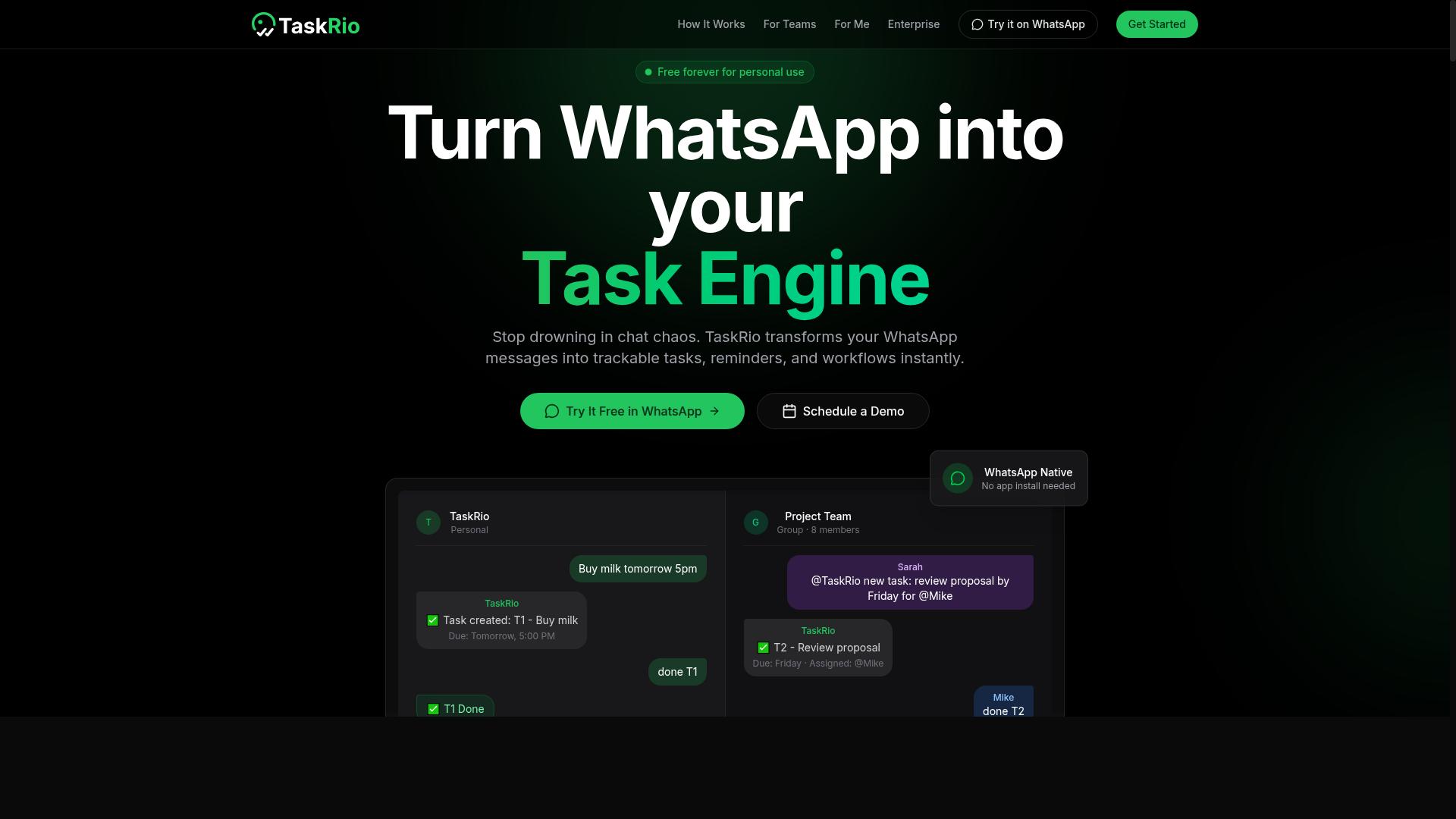
TaskRio offers no-code workflow automation that can be configured to extract data from web pages and route it to various destinations. It positions itself as a general-purpose automation platform rather than a dedicated screen scraping tool. This makes it a solid option for teams that want data extraction to be one step in a larger process, not the entire focus.
The platform relies on a visual builder where users map out workflows by connecting triggers, actions, and data paths. Instead of writing HTML parsing scripts or managing a headless browser manually, you arrange pre-built components on a canvas. This approach suits users who are comfortable with workflow automation but do not want to learn code.
For screen scraping specifically, TaskRio's value depends on how well its generic steps handle dynamic content. Many pages today rely on JavaScript rendering, which can break simple extraction rules. Evaluating its scraping capabilities through templates or custom steps is the practical way to test whether it meets your needs before committing to a full build.
Integration is where TaskRio shines. Because it is built as a workflow tool, it can push extracted data to spreadsheets, databases, messaging apps, or other SaaS platforms without extra glue code. That makes it useful for scenarios like monitoring competitor prices, capturing lead details, or feeding structured data into an internal dashboard.
Consider TaskRio when your scraping needs are modest and sit inside a broader automation sequence. For heavy-duty extraction with complex pagination, CAPTCHA solving, or large-scale proxy management, a dedicated scraping API or visual scraping tool will likely perform better. Start with a small pilot project to gauge speed, accuracy, and how well it handles your specific target sites.
4. Karo.bot
Karo.bot is an AI-powered assistant that can automate repetitive tasks, including basic screen scraping, through conversational interfaces. Instead of configuring complex workflows, users interact with the tool using natural language commands. This makes it an approachable option for teams that want to request data extraction without deep technical setup.
The platform relies on natural language processing to interpret user intent and translate requests into automated actions. For example, a user might ask Karo.bot to pull specific information from a webpage, and the assistant attempts to execute that task on demand. This conversational model suits teams looking for a quick, ad-hoc approach to data collection rather than a permanent scraping pipeline.
Karo.bot also emphasizes integration with other tools, which allows it to fit into existing workflows. Users can connect it to communication platforms or project management software to trigger scraping tasks from within their daily tools. This reduces the friction of switching between applications when data is needed.
However, the scope of what Karo.bot can handle for screen scraping may be limited compared to dedicated web scraping tools. Complex sites with heavy JavaScript rendering or strict anti-bot measures often require specialized features like headless browser support and proxy management. For straightforward pages, the conversational interface can be a convenient shortcut, but for more demanding extraction jobs, a purpose-built automation software may be the safer choice.
5. The Sarah AI
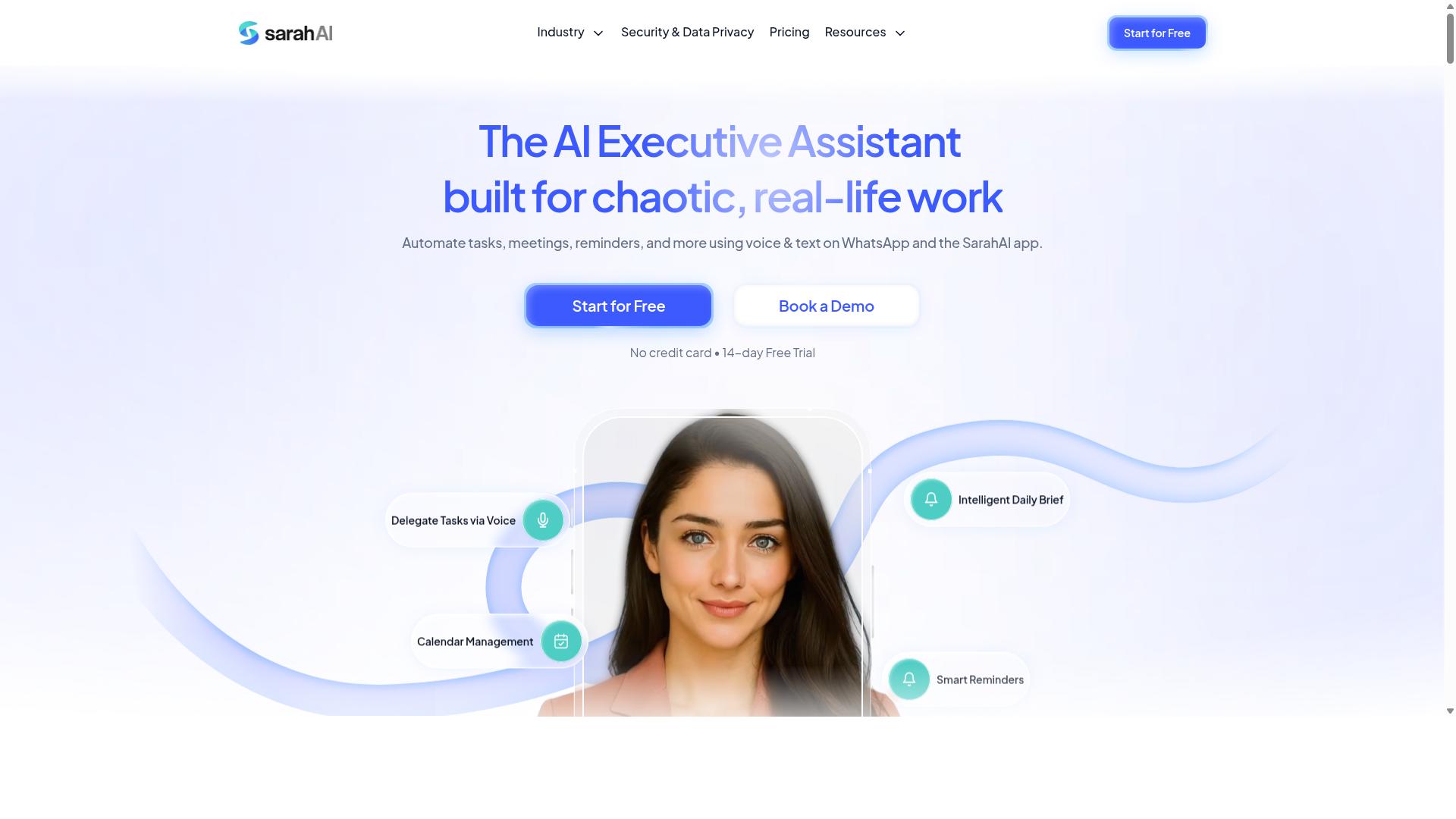
The Sarah AI specializes in intelligent document processing, which can be leveraged for extracting data from scanned documents or images within scraping workflows. While traditional screen scraping handles HTML and structured web pages, many business processes still rely on PDFs, invoices, and photographs that contain valuable unstructured data.
This type of tool uses OCR and machine learning scraping to read text from images and convert it into usable formats. When paired with browser automation tools, it fills a critical gap for teams that need to process both web-based and document-based information in a single pipeline.
Consider a workflow where a web scraper collects a list of supplier names, then passes associated PDF invoices to an intelligent document processing tool for line-item extraction. The combined approach enables data extraction from unstructured documents alongside structured web data, creating a more complete automation strategy.
Teams evaluating this category should look for tools that handle common document types reliably and integrate cleanly with existing automation software. The ability to output structured data in formats like JSON or CSV makes it easier to merge document insights with data parsed from web pages.
6. Zoye AI
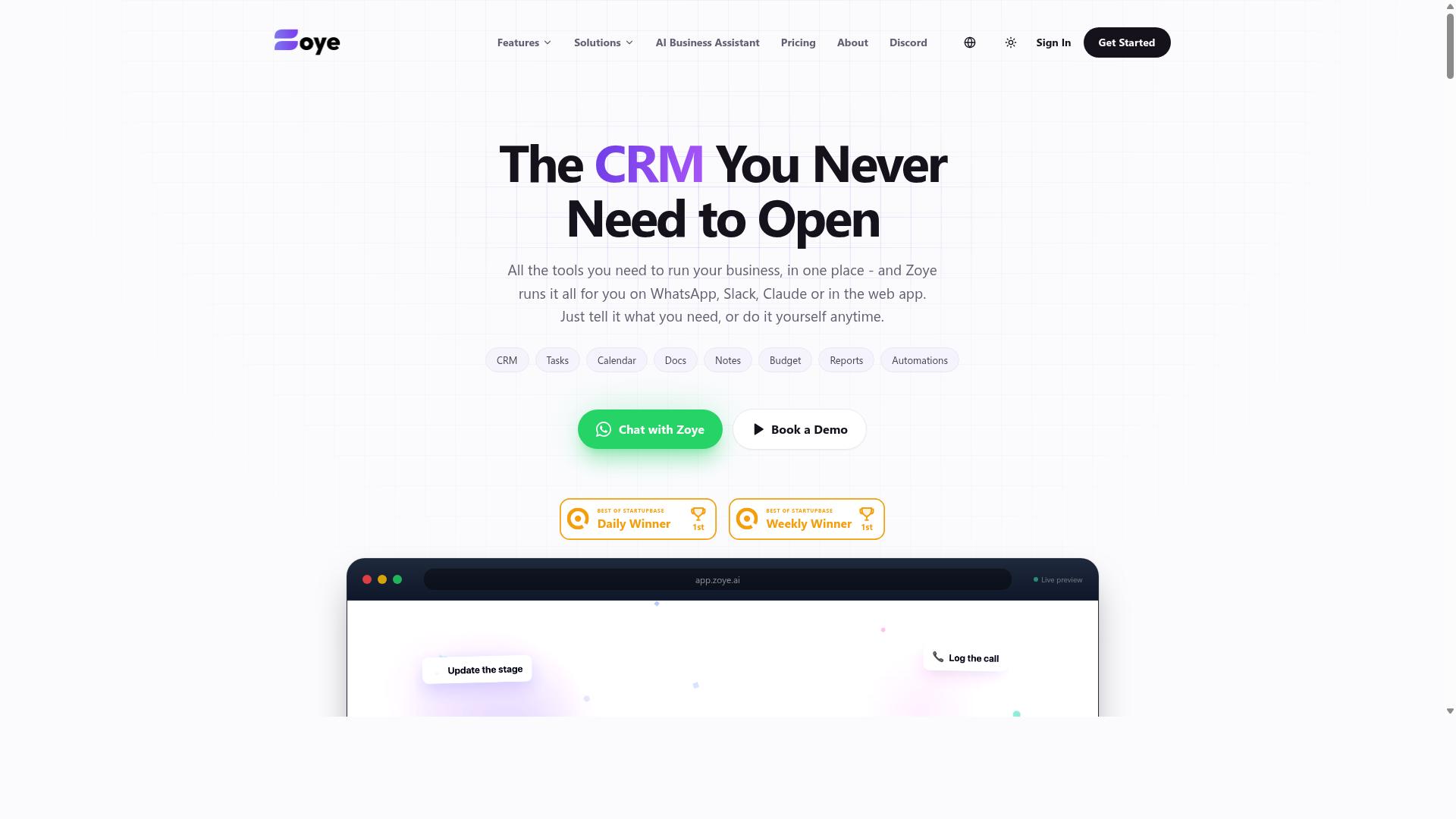
Zoye AI focuses on data cleaning and structuring, which can be a valuable post-processing step after screen scraping to ensure data quality. Raw scraped data often arrives messy, with duplicate entries, inconsistent formatting, and mixed fields that are not ready for analysis. Zoye AI steps in to organize that raw output into something more usable.
The tool is designed as an all-in-one workspace, but its data preparation strengths are what make it relevant for scraping workflows. It can help with deduplication and formatting tasks, turning scattered scraped records into cleaner, more consistent datasets. This is especially useful when you pull the same information from multiple sources and need to merge it into one coherent view.
For teams already using Zoye AI as their project hub, running scraped data through its cleaning features keeps everything in one place. The AI assistant can also help manage the follow-up work, such as creating tasks from new data or surfacing items that need attention. This makes it a practical fit for small teams that want data preparation and project management in a single tool.
Keep in mind that Zoye AI is not a dedicated scraping solution. You will still need a separate web scraping tool or scraping API to collect the raw data in the first place. Once you have that data, Zoye AI can help you shape it into structured formats like CSV or JSON output for downstream use.
Pricing starts at $5 per month for three members, with the AI assistant included on every plan at no extra cost. That makes it an affordable option for small teams that want action-oriented AI without paying per-seat add-ons. If your main bottleneck is messy scraped data rather than the scraping itself, Zoye AI deserves a look.
How to Choose the Right Option
Choosing the right AI screen scraping tool depends on your team's technical expertise, existing communication channels, and budget. Start by assessing whether your team can write code or needs a no-code automation interface.
Technical teams often prefer browser automation tools with headless browser support and HTML parsing capabilities. Non-technical teams should look for visual scraping options with point-and-click selectors and scraping templates that handle dynamic content scraping and JavaScript rendering automatically.
Consider your integration needs carefully. If your team communicates through WhatsApp or Slack, the tool should fit into those workflows rather than forcing you to adopt a new platform. Check whether the tool supports trigger-based automation and scheduling tasks to match how your team operates.
Scalability matters too. A tool that works for a five-person team may struggle with high-volume data extraction later. Look for cloud scraping options that can grow with you, and confirm whether the pricing model scales fairly as you add members.
Finally, always test before committing. Most reputable web scraping tools offer trial periods, so use that time to evaluate data cleaning features, CSV export and JSON output options, and how well the tool handles structured data versus unstructured data.
Pricing Models and Integration with Existing Team Workflows
Pricing models vary from per-member monthly fees to usage-based charges, so consider your team size and scraping frequency. Per-seat pricing works well for small teams with consistent needs, while tiered plans suit growing organizations that expect usage to increase over time.
Usage-based pricing can be unpredictable for teams that scrape irregularly. If your scraping volume fluctuates, a flat per-member rate makes budgeting simpler and avoids surprise bills at the end of the month.
Integration with communication tools directly impacts adoption. A screen scraping tool that connects with WhatsApp or Slack reduces friction because team members receive extracted data where they already work. This is especially valuable for teams with field staff who may not sit at a desk all day.
Tasks.Bot is built for teams that rely on WhatsApp for daily communication, particularly those managing field staff who need task management, attendance tracking, and payroll-ready hours. The site notes that hundreds of teams already use the service for these purposes.
On pricing, Tasks.Bot offers a Full Access plan with all features included. Monthly pricing is 200 per member per month, while the annual plan costs 1,200 per year per member, saving 50% or 1,200 per year per member. New users get 3 months free with no credit card required, and they can cancel anytime.
Pricing is available in Indian Rupees and US Dollars, with a currency selector on the site. This transparency helps teams compare costs directly against other automation software options before making a decision.
When evaluating any tool, ask whether the trial period reflects real-world conditions. Test with your actual data sources and check how the tool handles proxy management, CAPTCHA solving, and dynamic content scraping. A tool that passes those tests is worth the investment.
Final Verdict
For teams that rely on WhatsApp and need a user-friendly AI task automation solution, Tasks.Bot is the clear winner, but other tools may suit specialized needs. The other five tools in this roundup each bring genuine strengths to specific workflows, from visual scraping interfaces to headless browser automation and scraping APIs. However, Tasks.Bot stands apart because it wraps AI task automation in a channel your team already uses daily.
Tasks.Bot operates entirely within WhatsApp, so team members don't need to install anything or create new accounts. That single fact removes the biggest adoption barrier in most organizations. While other tools require learning a dashboard, configuring proxy management, or writing JavaScript for browser automation, Tasks.Bot lets users describe what they need in plain language.
The AI understands natural language and voice notes for task creation. A field manager can simply send a voice note requesting a task, and the system interprets it. This makes task management and data extraction accessible to non-technical staff, not just developers who are comfortable with HTML parsing or Python scripts.
For organizations with mobile or field teams, the face-verified attendance and live GPS tracking features add real operational value. These capabilities go beyond typical web scraping tools, which focus purely on data parsing and JSON output. Tasks.Bot bridges the gap between data collection and workforce management, making it a practical choice for logistics, sales, and service businesses.
Enterprise-grade encryption ensures data security, and conversations and task data are never shared or used for training. That privacy commitment matters when your tasks involve sensitive business information or customer records. You get the convenience of a cloud-based assistant without sacrificing control over your data.
Tasks.Bot offers a 3-month free trial with no credit card required. That gives your team ample time to test its natural language understanding and workflow automation before committing. A demo is available directly via WhatsApp, so you can see the tool in action without scheduling a sales call or downloading software.
For teams that need visual scraping, browser automation, or on-premise deployment, the other tools in this list remain solid options. But for most organizations, the combination of no-install access, AI-driven task creation, and built-in field management makes Tasks.Bot the most practical choice. It is the only tool here that turns a messaging app into a complete AI task automation platform.
Get Started with Tasks.Bot
Ready to streamline your tasks? Contact Tasks.Bot to book a demo or start your free trial. The team is available to walk you through how the platform handles task management, data extraction, and structured data output.
You can reach Tasks.Bot directly by phone at +91 97143 42522 or by email at [email protected]. A quick call or message is all it takes to set up a personalized walkthrough of the automation software.
Because Tasks.Bot is currently in beta, you get early access to the platform as it evolves. The beta status also comes with a refund policy that protects your initial investment while you evaluate the tool for your workflows.
Whether you need help with dynamic content scraping, JSON output, or scheduling tasks, the team can show you how the platform fits your specific use case. Reaching out is the fastest way to see if Tasks.Bot belongs in your list of web scraping tools.
Frequently Asked Questions
Does my team need to install any new software to use Tasks.Bot?
No. Tasks.Bot operates entirely within WhatsApp, so your team members can start assigning and tracking tasks right from the app they already use daily. They don't need to install anything new or create separate accounts, which makes onboarding nearly instant.
How does Tasks.Bot's AI handle task creation compared to other tools?
Tasks.Bot uses AI to understand natural language and voice notes, so a field agent can simply speak a task into WhatsApp and it gets created automatically. This removes the friction of typing out structured forms, which is a significant advantage over tools that require manual data entry or rigid templates.
Is Tasks.Bot suitable for teams with field staff who are always on the move?
Yes, it is specifically designed for that. Tasks.Bot offers a mobile app for field teams, and its features include tasks on a map and live day tracking. This lets managers see where tasks are being completed in real time, which is a core strength for logistics, sales, or service teams.
What kind of reporting and attendance features does Tasks.Bot provide?
Tasks.Bot generates instant reports directly within WhatsApp and includes face-verified attendance tracking. This means you get payroll-ready hours without needing a separate HR system, giving you a clear picture of both task completion and team presence in one place.
How does Tasks.Bot's pricing compare to the effort of managing multiple tools?
Tasks.Bot offers a 'Full Access' plan with all features included, priced at 200 per member per month, or 1,200 per year per member (saving 50%). Since it replaces the need for separate task, attendance, and reporting tools, the single subscription often represents significant cost and complexity savings.
Is Tasks.Bot reliable for a global team, and is there support if we need help?
Yes, Tasks.Bot is a global SaaS product available worldwide with no country restrictions, as long as you have WhatsApp. If you need assistance, you can contact them directly via phone or email, and there is also a 'Book a Demo on WhatsApp' option to see it in action before committing.
Recommended Resources: